Creating a PowerPoint Presentation
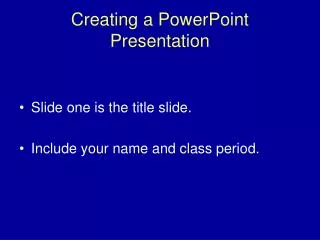
Creating a PowerPoint Presentation. Slide one is the title slide. Include your name and class period. Create Six Slides with Text. Slide one, which you have created, is your title side. Slides two through five are information slides.

Creating a PowerPoint Presentation
E N D
Presentation Transcript
Creating a PowerPoint Presentation • Slide one is the title slide. • Include your name and class period.
Create Six Slides with Text • Slide one, which you have created, is your title side. • Slides two through five are information slides. • The information slides contain the topics of your research outline.
Use Your Slides as Note Cards • You may look at the slide as a prompt. • Then look at your audience and tell us what you remember from your research about that prompt. • Tell us more than you have written on each slide.
Enhance Slides • Slides may be enhanced by adding color background and design. • Sound and animation may also be added for interest. • Be careful; special effects must not distract.
Add Pictures • Use Clip Art. • Search the internet.
Works-Cited • The last slide must contain a list of all sources used for your presentation • Use your MLA guidehttp://www.landmark-project.com/citation_machine/index.php3 • You must have at least two hard copy sources and two internet sources
BIBLIOGRAPHY • "" 19 Jun. 2003 http://mson.gmu.edu/~montecin/powerpoint.html: • "" 19 Jun. 2003 http://www.lauriefowler.com/elfpage.html: