Bridging the Digital Divide: Preparing Students for the 21st Century
This initiative aims to equip learners with the understanding of digital disparity among students and its impact on educational equity. By exploring the causes and consequences of digital inequality, students will be empowered to find innovative solutions. Our program encourages the use of technology in various forms, promotes access to resources like library computers and school labs, and emphasizes the importance of digital skills for all. Together, we can create a more inclusive learning environment that prepares every student for the technological demands of the 21st century.

Bridging the Digital Divide: Preparing Students for the 21st Century
E N D
Presentation Transcript
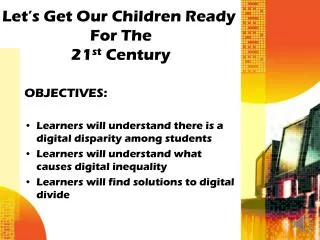
Let’s Get Our Children Ready For The 21st Century OBJECTIVES: • Learners will understand there is a digital disparity among students • Learners will understand what causes digital inequality • Learners will find solutions to digital divide
LET’S BE “DIGITAL MULTIPLIERS Digital Divide All Students Don’t Have Computers At Home • Lack Of Income • Parents Don’t See The Importance
Deprive all to be fair to a few? • Find access for all
Everyone Does Not Have To Have The Same Technology • Encourage Those With Advance Technology To Use It And Sharpen Their Skills
Use Computers At LibrariesUse School Computer LabsShare Computers In The ClassroomIntroduce Various Forms Of Technology In The Classroom & Teach Students To Use ItUse Smart Phones Find ways to bridge the gap l
Build Computers • Write Grants • Solicit For Computer Donations • Encourage Students To Come To School Early To Use Classroom Computers
Make sure our educators know how and are using technology themselves