Troubleshooting Technical Support for Browser Compatibility Issues
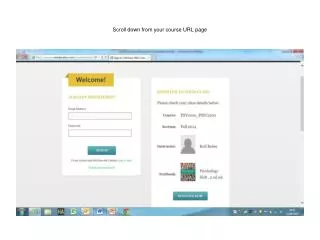
If you are experiencing issues with browser compatibility, navigate to your course URL page and click on 'Technical Support' on the left-hand side. Scroll down and select 'Check my Computer' under the Troubleshooting section. This tool allows you to verify if all the critical components are compatible with your browser and settings. Follow the recommended actions provided to resolve any issues. Alternatively, consider registering with a different browser. Once registered in Connect, you should have no access issues with various browsers.

Troubleshooting Technical Support for Browser Compatibility Issues
E N D
Presentation Transcript
Click ’Technical Support’ on the left hand side of the screen
Scroll down and select ‘Check my Computer’ under Troubleshooting
You can now check whether all the critical components are compatible with your own browser and settings. Take the suggested relevant actions to solve the issue or alternatively try registering with a different browser. Once you are registered in Connect, it should be ok accessing with different browsers.