Download
1 / 8
80 likes | 205 Views
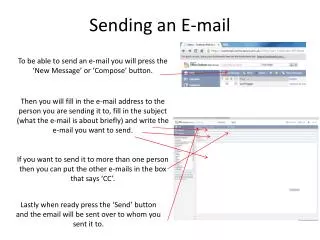
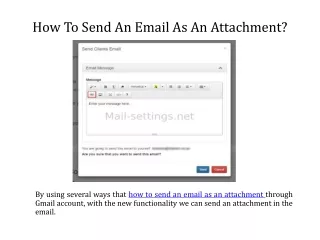
This guide provides step-by-step instructions on how to email an attachment from a Mac using Netscape. First, open Netscape and access the Mail & Newsgroups window. Click the Compose icon to create a new email. Enter the recipient's email address in the "To:" field. Locate your file, typically found in the 'My Documents' folder, and use the Attach icon on the toolbar to select your file. Ensure the file appears in the attachments list before pressing send. If it doesn't show up, try attaching it again before sending.

E N D
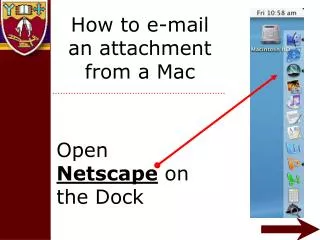
How to e-mail an attachment from a Mac Open Netscape on the Dock
Click on Window Click on Mail & Newsgroups
Find your file, normally in the ‘My documents’ folder
Select file to attach Press attach
File should appear in list of attachments. • If the file name is not there, it will not be sent and you should try again. • Press send