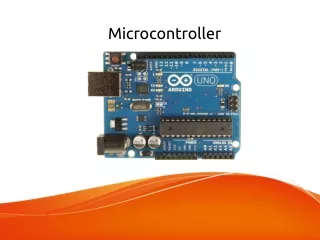
Automated Plant Care System with Microcontroller Design
This innovative microcontroller-based system autonomously waters plants, monitors sensor data, and captures images. It ensures all sensors receive sufficient power, manages soil moisture levels by activating a solenoid valve, and cycles LED lights for optimal plant growth. Every 12 hours, the system alternates between red and blue LEDs to maintain a light cycle. Additionally, it stores sensor readings regularly and captures images of the plants at set intervals, providing invaluable data for ongoing plant care and health monitoring.


Automated Plant Care System with Microcontroller Design
E N D
Presentation Transcript
Main • The main method of the microcontroller will water the plants, store the values, and take the pictures.
Systems Check • The system checks all sensors to make sure that sufficient power is reaching all of the sensor that we need.
Water Plant • This system checks the water level and if needed opens the solenoid value for a set amount of time. • The microcontroller then records the date and time. • After it records and it closes that value and then checks the water level again.
Light Cycle • LED1=Red • LED2=Blue • The light cycle program starts with the red on and the blue off. • The timer turns over every 12 hours. • When the timer equals 1 the microcontroller checks the Red LED. If red LED is off then it is turned on and the blue LED is turned off. • If the red LED is on the it is turned off and the blue LED is turned on.
Store Data • This system reads all of the sensor values and then stores them. • The program then resets after 4 hours.
Take Picture • This system tells the camera to take a picture, store it and then wait 4 hours to repeat.