PowerPoint Lesson 3
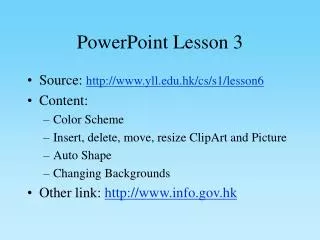
This lesson focuses on essential PowerPoint skills, including the application of color schemes to enhance presentation aesthetics. Users will learn how to insert, delete, move, and resize ClipArt and pictures effectively. Additionally, the lesson covers the use of AutoShapes and changing backgrounds to customize slides. The lesson encourages observation of color changes and provides links for further exploration of the topic. Enhance your presentation capabilities with practical examples and exercises that strengthen your understanding of PowerPoint features.

PowerPoint Lesson 3
E N D
Presentation Transcript
PowerPoint Lesson 3 • Source: http://www.yll.edu.hk/cs/s1/lesson6 • Content: • Color Scheme • Insert, delete, move, resize ClipArt and Picture • Auto Shape • Changing Backgrounds • Other link: http://www.info.gov.hk
This is another slide What do you observe? Does the color change?