Understanding Web Protocols and Document Management in Digital Learning Environments
This content explains key concepts around web protocols such as HTTP and FTP, as well as essential tools like HTML and Google Docs. It covers the fundamental rules for accessing and rendering web pages and emphasizes the significance of hyperlinks in digital navigation. The document addresses common queries regarding group projects, class points, and file management, providing clarity on terms like Universal Resource Locator (URL) and file extensions. It also discusses the functionalities of action settings in online environments, ensuring students are well-equipped for digital interactions.

Understanding Web Protocols and Document Management in Digital Learning Environments
E N D
Presentation Transcript
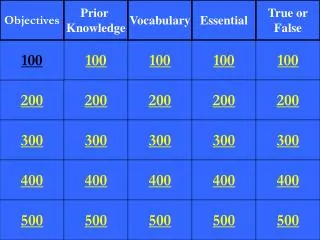
Objectives Prior Knowledge Vocabulary Essential True or False 100 100 100 100 100 200 200 200 200 200 300 300 300 300 300 400 400 400 400 400 500 500 500 500 500
What is the way PPT works. Click – Next Slide Opposed to multidirectional
The normal way things will operate unless specified otherwise?
What is the hypertext transfer protocol? The rules for requesting & rendering web pages in browsers
What the filetransfer protocol? A common set of rules for moving files between computers over a network
What is text on a computer that will lead the user to other, related information on demand? You might click on a picture, text,
What is an electronic link providing direct access from one distinctively marked place in a hypertext or hypermedia document to another in the same or a different document"
What is hypertext markup language? The <b>code</b> behind most web <i>pages</i>. Check the html editor in an email message in blackboard. <b>
What an action setting that requires the user to “click” on a link?
What an action setting that requires the user to “move the cursor” over a link?
Universal Resource Locator The address of a web site
There is a 100 MB size limit for presentation uploads to Google Docs