
Getting Started: Create Your Club Card and Icons on Clubbit

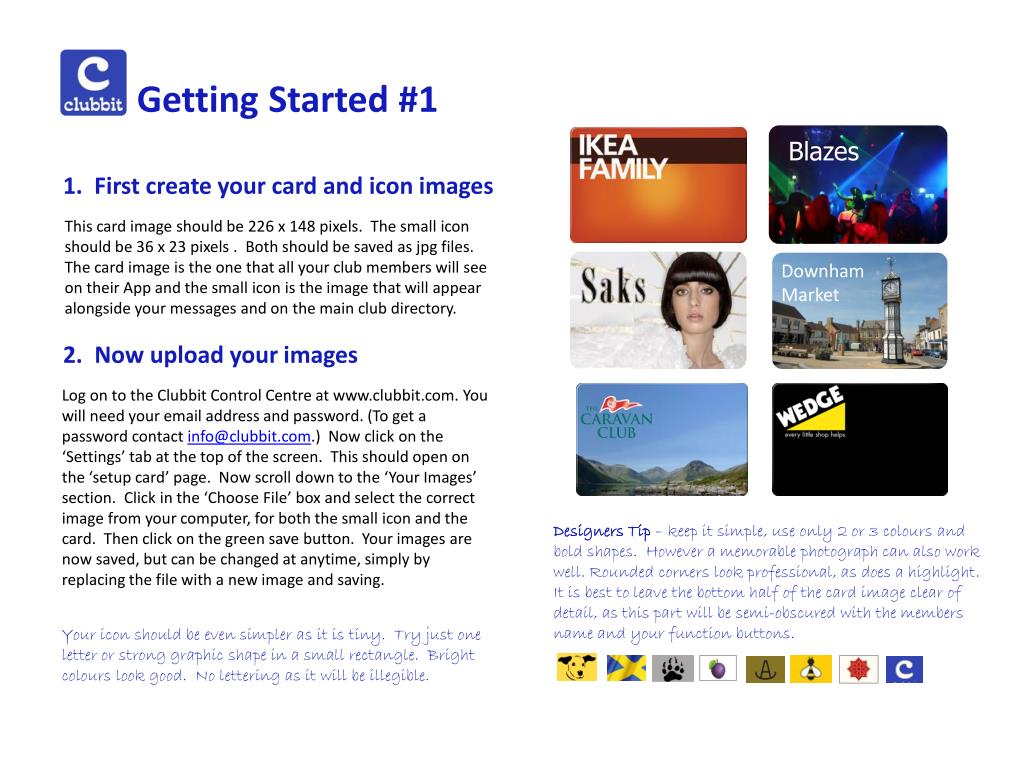
Learn how to create and upload your club card and icon images on Clubbit. Your card image should be 226 x 148 pixels and saved as a JPG file, while the small icon needs to be 36 x 23 pixels. After creating your images, log into Clubbit Control Centre at www.clubbit.com using your email and password. Access the Settings tab, navigate to the 'setup card' page, and upload your images. Follow our design tips for effective visuals, then set up function buttons that shortcut to important club content.
Download Presentation 
Download Policy: Content on the Website is provided to you AS IS for your information and personal use and may not be sold / licensed / shared on other websites without getting consent from its author.Content is provided to you AS IS for your information and personal use only. Download presentation by click this link. While downloading, if for some reason you are not able to download a presentation, the publisher may have deleted the file from their server.During download, if you can't get a presentation, the file might be deleted by the publisher.
E N D