
SlideServe
Menu
Preferences
© SlideServe · v2026

Registration Process

kalanek avatar
1 slides · 56 Views · 10 likes · Jul 22, 2019

Divine Impact

Registration Process - slide 1
01 / 1Registration Process
1 / 17

Download Presentation

Registration Process
An Image/Link below is provided (as is) to download presentation

Download Policy: Content on the Website is provided to you AS IS for your information and personal use and may not be sold / licensed / shared on other websites without getting consent from its author.Content is provided to you AS IS for your information and personal use only. Download presentation by click this link. While downloading, if for some reason you are not able to download a presentation, the publisher may have deleted the file from their server.During download, if you can't get a presentation, the file might be deleted by the publisher.

E N D

More Related Content

Presentation Transcript
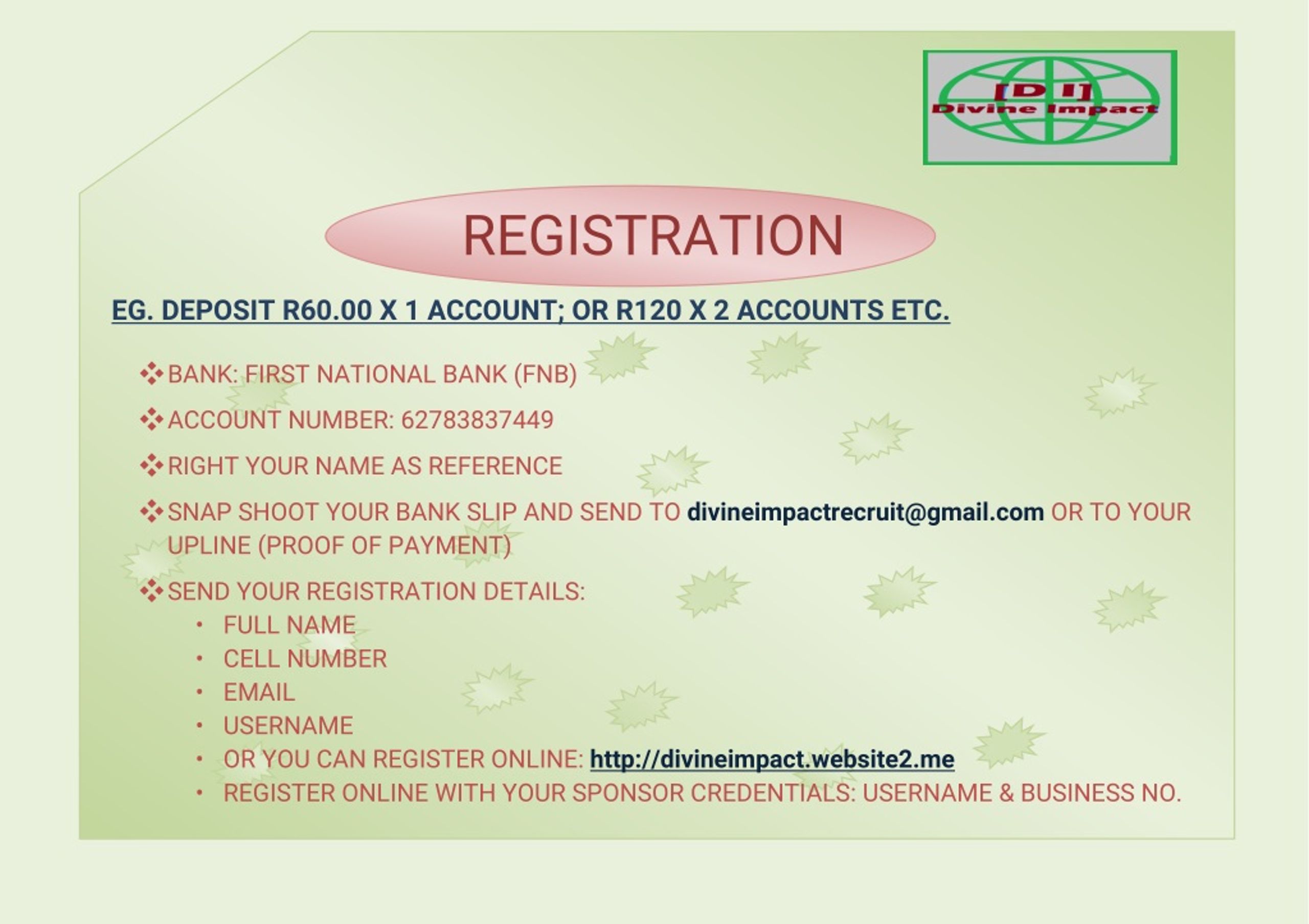
  1. REGISTRATION EG. DEPOSIT R60.00 X 1 ACCOUNT; OR R120 X 2 ACCOUNTS ETC. ❖BANK: FIRST NATIONAL BANK (FNB) ❖ACCOUNT NUMBER: 62783837449 ❖RIGHT YOUR NAME AS REFERENCE ❖SNAP SHOOT YOUR BANK SLIP AND SEND TO divineimpactrecruit@gmail.com OR TO YOUR UPLINE (PROOF OF PAYMENT) ❖SEND YOUR REGISTRATION DETAILS: • FULL NAME • CELL NUMBER • EMAIL • USERNAME • OR YOU CAN REGISTER ONLINE: http://divineimpact.website2.me • REGISTER ONLINE WITH YOUR SPONSOR CREDENTIALS: USERNAME & BUSINESS NO.