Download
1 / 9
90 likes | 218 Views
This guide by Marcy Myers outlines the essential steps for setting up Smart Responders in an educational environment. Ensure you have all necessary equipment, including the Smart Responders and the USB receiver connected to your computer. Prepare your class roster in a CSV file with specified headings, including Student ID, Given Name, and Family Name. Access Teacher Tools from the Start Menu to add your class and students, using Microsoft Excel to open and manage your roster efficiently. Follow these instructions to enhance classroom interaction and student engagement.

E N D
Setting Up Smart Responders By: Marcy Myers
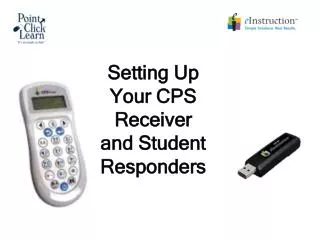
What Will I need • SmartResponders • The Receiver plugged into the computer USB. • Check to be sure all Responders will power on. • Setup your class • Class Roster in CSV file with these headings • Student ID • Given Name • Family Name
Choose your class you just created under GradebookAdd Students to your class
Find the Spreadsheet with your class RosterChoose Open This is what the headers should be in Excel