Introduction to Lists and List Operations
360 likes | 584 Views
Learn about lists in Python and how to manipulate them. Discover how to access, iterate, concatenate, slice, and search for items in lists.


Introduction to Lists and List Operations
E N D
Presentation Transcript
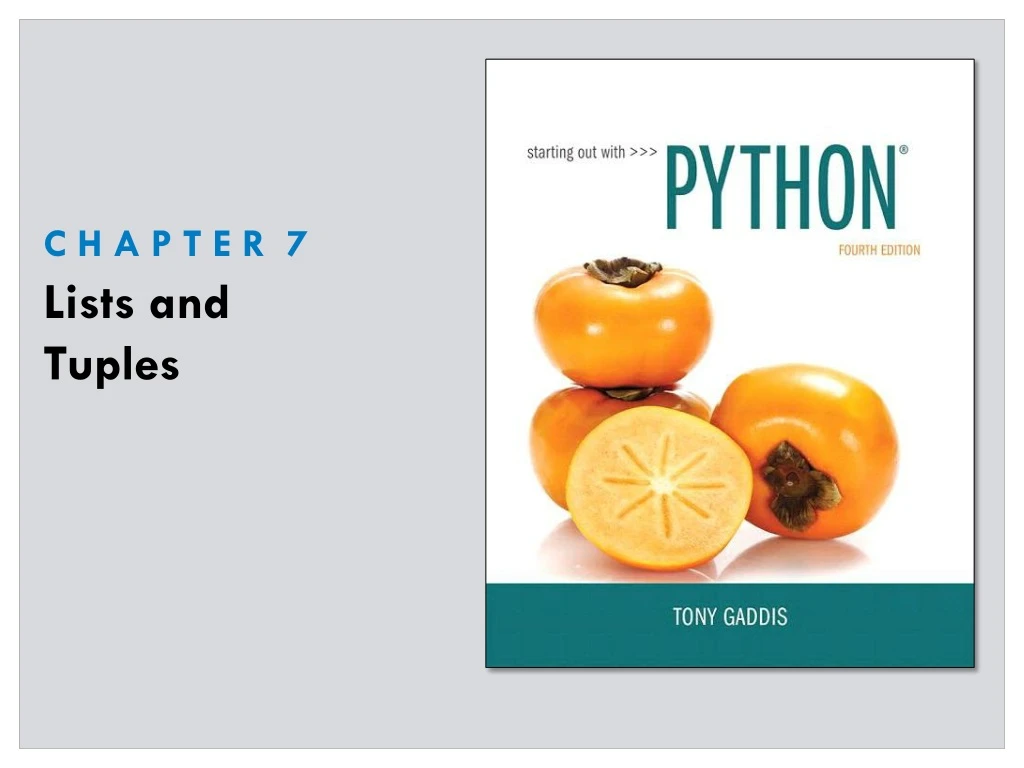
Topics • Sequences • Lists • Copying Lists • Processing Lists • Two-Dimensional Lists
Sequences • An object that contains multiple items of data • The items are stored in sequence one after another • You can examine and manipulate items stored in it • Python provides different types of sequences, including lists and tuples • Both can hold various types of data • List is mutable - program can change the contents • Tuple is immutable
Introduction to Lists • An object that contains multiple data items • Each item is an element • Items can be added and removed • Can pull data in various ways • Has more capabilities than arrays in other languages • Format: list = [item1, item2, etc.] • Example: even_numbers = [2, 4, 6, 8, 10] • Can hold items of different types • info = [‘Alicia’, 27, 1550.87]
Displaying Lists • print function can be used to display an entire list Example: numbers = [5, 10, 15, 20] print(numbers) Output: [5, 10, 15, 20]
list()Function • list() function can convert certain types of objects to lists like the range function does Example 1: numbers = list(range(5)) print(numbers) Output: [0, 1, 2, 3, 4] Example 2: numbers = list(range(1, 10, 2)) print (numbers) Output: [1, 3, 5, 7, 9]
Repetition Operator • Makes multiple copies of a list and joins them together • The * symbol is a repetition operator when applied to a sequence and an integer • General format: list * n • Variable is left operand, how many times to replicate on right • Example: numbers = [0] * 5 • Produces: [0, 0, 0, 0, 0] • Numbers = [1, 2, 3] * 3 • Produces: [1, 2, 3, 1, 2, 3, 1, 2, 3]
Iterating Over a List • Lists and ranges used in for loops have similar structures • You can traverse items over a list using a for loop • Format: for x in list: • Example: numbers = [99, 100, 101, 102] for n in numbers: print(n) Output: 99 100 101 102
Indexing • Index: a number specifying the position of an element in a list • Allows access to individual element in list • Index of first element in the list is 0, second element is 1, and n’th element is n-1 • Negative indexes identify positions relative to the end of the list • The index -1 identifies the last element, -2 identifies the next to last element, etc.
Indexing Examples my_list = [10, 20, 30, 40] print (my_list[0], my_list[1], my_list[2], my_list[3]]) Output: 10 20 30 40 my_list = [10, 20, 30, 40] for i in range(4): print(my_list[i]) Output: 10 20 30 40
Negative Indexing my_list = [10, 20, 30, 40] print (my_list[-1], my_list[-2], my_list[-3], my_list[-4]]) Output: 40 30 20 10
len Function • An IndexError exception is raised if an invalid index is used • len function: returns the length of a sequence such as a list • Example: size = len(my_list) • Returns the number of elements in the list • Can be used to prevent an IndexError exception when iterating over a list with a loop
Concatenating Lists • Concatenate: join two things together • The + operator can be used to concatenate two lists • Cannot concatenate a list with another data type, such as a number • The += augmented assignment operator can also be used to concatenate lists
Concatenating Lists Example List1 = [1, 2, 3, 4] List2 = [5, 6, 7, 8] List = list1 + list2 Output: [1, 2, 3, 4, 5, 6, 7, 8]
List Slicing • Slice: a range of items taken from a sequence • List slicing format: list[start : end] • Span is a list containing copies of elements from start up to, but not including, end • If start not specified, 0 is used for start index • Ex: numbers[:3] • If end not specified, len() of list is used for end index • numbers[2:] • Slicing expressions can include a step value and negative indexes relative to end of list
List Slicing Example days = [‘Sunday’, ‘Monday’, ‘Tuesday’,\ ‘Wednesday’, ‘Thursday’, ‘Friday’, ‘Saturday’] mid_days = days[2:5] print (mid_days) Output: [‘Tuesday’, ‘Wednesday’, ‘Thursday’ ]
Finding Items in Lists with the in Operator • The in operator is used to determine whether an item is contained in a list • General format: item in list • Returns True if the item is in the list, or False if it is not in the list • Similarly you can use the not in operator to determine whether an item is not in a list
In List Example # This program demonstrates the in operator used with a list. # Create a list of product numbers. prod_nums = ['V475', 'F987', 'Q143', 'R688'] # Get a product number to search for. search_value = input('Enter a product number: ') # Determine whether the product number is in the list. if search_value in prod_nums: print(search_value, 'was found in the list.') else: print(search__value, 'was not found in the list.') Output: Enter a product number: V475 V745 was found in the list. Output: Enter a product number: v475 v745 was not found in the list.
Exceptions • Error that occurs while a program is running • Usually causes program to abruptly halt • Ex: user enters string when expecting integer • Traceback: error message that gives information regarding line numbers that caused the exception • Indicates the type of exception and brief description of the error that caused exception to be raised
Exceptions • Many exceptions can be prevented by careful coding • Example: input validation • Some exceptions cannot be avoided by careful coding • Examples • Trying to convert non-numeric string to an integer
Exception Handler • Code that responds when exceptions are raised • Prevents program from crashing • Python uses try/except statement • General format: try: Statements except exceptionName: Statements • try suite: statements that can potentially raise an exception • exceptblock: event handler
Exceptions • If statement in try suite raises exception: • Use statements in except clause • Handler immediately following except clause executes • Continue program after try/except statement • Other exceptions: • Program halts with traceback error message • If no exception is raised, handlers are skipped
Exceptions Example # This program calculates gross pay. try: # Get the number of hours worked. hours = int(input('How many hours did you work? ')) pay_rate = float(input('Enter your hourly pay rate: ')) gross_pay = hours * pay_rate # Display the gross pay. print('Gross pay: $', format(gross_pay, ',.2f'), sep='') except ValueError: print('ERROR: Hours worked and hourly pay rate must') print('be valid integers.')
List Methods and Useful Built-in Functions • append(item): used to add items to a list – item is appended to the end of the existing list • index(item): used to determine where an item is located in a list • Returns the index of the first element in the list containing item • Raises ValueError exception if item not in the list
List Append Example # This program demonstrates how the append # method can be used to add items to a list. # First, create an empty list. name_list = [ ] # Create an empty list again = 'Y‘ # Create a variable to control the loop. while again.upper() == 'Y': # Add some names to the list. name = input('Enter a name: ') # Get a name from the user. name_list.append(name) # Append the name to the list. print('Do you want to add another name?') again = input('y = yes, anything else = no: ') print() print('Here are the names you entered.') for name in name_list: print(name)
Index List Example # This program demonstrates how to get the index of an item # in a list and # then replace that item with a new item. food = ['Pizza', 'Burgers', 'Chips'] print('Here are the items in the food list print(food) item = input('Which item should I change? ') try: item_index = food.index(item) # Get index in list new_item = input('Enter the new value: ') food[item_index] = new_item # Replace old item print('Here is the revised list:') print(food) except ValueError: print('That item was not found in the list.')
List Methods and Useful Built-in Functions • insert(index, item): used to insert item at position index in the list • sort(): used to sort the elements of the list in ascending order • remove(item): removes the first occurrence of item in the list • reverse(): reverses the order of the elements in the list
List Methods and Useful Built-in Functions • del statement: removes an element from a specific index in a list • General format: del list[i] • min and max functions: built-in functions that return the item that has the lowest or highest value in a sequence • The sequence is passed as an argument
Copying Lists • If you set one list equal to another list they will point to same place in memory • When you make change to one list the other will also change • To make a copy of a list you must copy each element of the list • Two methods to do this: • Creating a new empty list and using a for loop to add a copy of each element from the original list to the new list • Creating a new empty list and concatenating the old list to the new empty list
Two-Dimensional Lists • A list that contains other lists as its elements • Also known as nested list • Common to think of two-dimensional lists as having rows and columns • Useful for working with multiple sets of data • To process data in a two-dimensional list need to use two indexes • Typically use nested loops to process
Two-Dimensional List Example Students = [[‘Joe’, ‘Kim’], [‘Sam’, ‘Sue’], [‘Kelly’, ’Chris’]] Output: [[‘Joe’, ‘Kim’], [‘Sam’, ‘Sue’], [‘Kelly’, ’Chris’]] print(student[0]) Output: [‘Joe’, ‘Kim’]