Download
1 / 14
140 likes | 269 Views
This tutorial provides step-by-step instructions for effectively utilizing the Crystal-Chemical Plot Tool. Begin by accessing the tool, selecting default settings to generate a base plot, and enhancing it by adjusting colors and viewing perspectives. Learn how to magnify atoms, shift focus to specific elements, and plot unique configurations. From manipulating display properties to examining crystal structures, this guide simplifies the process of creating clear visual representations that aid in understanding crystal chemistry concepts for reports and academic papers.

E N D
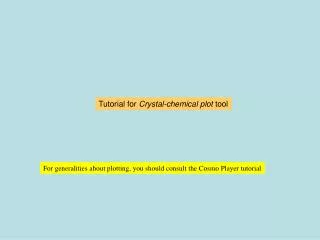
Tutorial for Crystal-chemical plot tool For generalities about plotting, you should consult the Cosmo Player tutorial
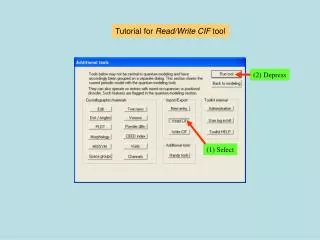
Accessing the Crystal-chemical plot tool (1) Select (2) Depress
Defaults will produce something that you will then improve upon
The initial plot is purposefully made small. Clicking on an atom with the seek function active both magnifies the picture and brings the atom to the centre of rotation of the plot. Seek
Back to dialog Not bad for a first try, but this bottle-green Fe is ugly. Let’s try turquoise. We would like a green cell. This would look great if plotted as an inorganic.
and then depress Select Fe with drop-down list Select We want the element to change color, not just the atom Plot as inorganic Green cell
This arrangement of S2 doublets is rather peculiar. Let’s focus on it by requesting isolated Fe atoms.
Depress Select Previous requests remain requested
Very peculiar indeed. We would like to examine a 10Å-thick, 25Å diameter (123) disk of this, but viewed along [111] with [100] in the vertical plane.
and then depress Select Select Type Select Type
Voila! But is it really a (123) slab? Let’s check by viewing along [2-10] which should be in the plane of the slab.
Depress Type
Plot directives remain active until superseded This ability to generate blocks of matter plotted according to wishes, and then view them in any desired orientation is extremely convenient to understand the crystal chemistry and illustrate reports and papers.
More requests are possible from the plot form, but they are more-or-less obvious. End of Crystal-chemical plot tool