Download
1 / 1
10 likes | 129 Views
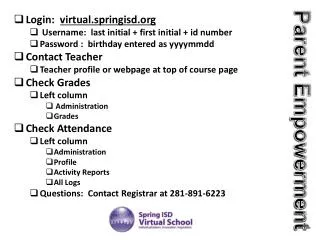
Access your Spring ISD student account by logging in at .login.virtual.springisd.org. Use the format: Username as your last initial followed by your first initial and ID number, and your Password as your birthday in the format YYYYMMDD. To check grades and attendance, navigate to the left column under Administration in your course page. For further assistance, contact your teacher through their profile or webpage at the top of the course page, or reach out to the Registrar at 281-891-6223 for any questions.

E N D
Login: virtual.springisd.org • Username: last initial + first initial + id number • Password : birthday entered as yyyymmdd • Contact Teacher • Teacher profile or webpage at top of course page • Check Grades • Left column • Administration • Grades • Check Attendance • Left column • Administration • Profile • Activity Reports • All Logs • Questions: Contact Registrar at 281-891-6223 Parent Empowerment