Download

1 / 2
0 likes | 21 Views
:<br><br><br>In todayu2019s digital age, the keyboard and mouse are indispensable tools for both work and play. The keyboard-mouse combo is a popular choice for many users, offering convenience, efficiency, and a unified aesthetic. Hereu2019s a comprehensive guide to understanding these combos and how to choose the right one for your needs.

E N D
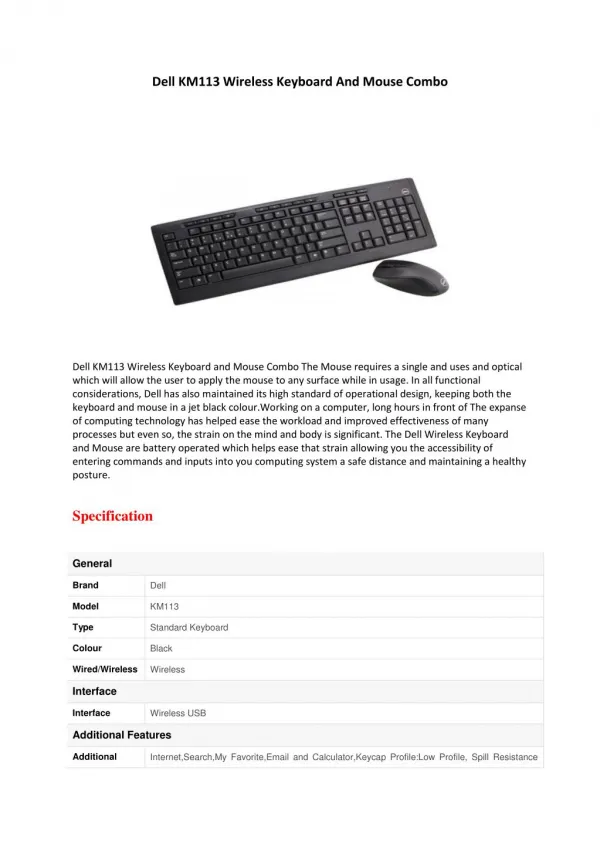
: Title: The Keyboard Mouse Combo: A Comprehensive Guide In today’s digital age, the keyboard and mouse are indispensable tools for both work and play. The keyboard-mouse combo is a popular choice for many users, offering convenience, efficiency, and a unified aesthetic. Here’s a comprehensive guide to understanding these combos and how to choose the right one for your needs. 1. Types of Combos: Keyboard-mouse combos come in various types, from wired to wireless options. Wired combos ensure a stable connection with zero latency, making them ideal for gaming. Wireless combos, on the other hand, offer greater flexibility and a clutter-free desk. They often use Bluetooth or a USB dongle for connectivity. 2.Features to Consider: When selecting a combo, consider the features that best suit your needs. Keyboards may offer mechanical switches for tactile feedback or membrane keys for quieter typing. Backlighting is another feature, enhancing visibility in low-light environments. Mice can vary in DPI settings, customizable buttons, and ergonomic designs, impacting comfort and precision. 3. Compatibility: Ensure that the combo is compatible with your operating system. Most combos are designed to work seamlessly with Windows, but some might require additional drivers for full functionality with macOS or Linux. 4. Budget and Brand: Prices for keyboard-mouse combos can range from budget-friendly to premium. Well-known brands like Logitech, Corsair, and Razer offer reliable products with extensive warranties. It’s worth investing in a reputable brand to ensure durability and performance. 5. Ergonomics and Comfort:
For prolonged use, ergonomics is crucial. Look for a keyboard with a comfortable wrist rest and a mouse that fits your hand size. An ergonomic setup can prevent strain and enhance productivity. 6. Additional Features: Some advanced combos come with extra features such as programmable keys, macro support, and integrated media controls. These can be particularly useful for gamers and professionals who need quick access to specific functions. 7. User Preferences: Personal preference plays a significant role in choosing the right combo. Test different models, if possible, to find the keyboard and mouse that feel most comfortable for you. The tactile response of the keys and the grip of the mouse should align with your personal style of use. In conclusion, selecting the right keyboard-mouse combo involves balancing functionality, comfort, and budget. By considering your specific needs and preferences, you can find a combo that enhances your computing experience, boosts productivity, and fits seamlessly into your digital workspace.