Download
1 / 18
180 likes | 305 Views
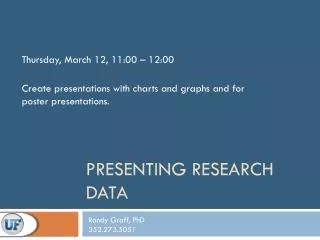
Join us on Thursday, March 12, from 11:00 AM to 12:00 PM for a comprehensive workshop led by Dr. Randy Graff. Learn how to create impactful presentations that incorporate charts and graphs effectively, perfect for both standard and poster formats. Gain valuable skills in designing and editing various visual aids, including pasting special charts and graphs. Explore different resources and techniques for layout and alignment to ensure your visual message is clear and professional. Don’t miss this opportunity to elevate your presentation skills!

E N D
Presenting Research Data Thursday, March 12, 11:00 – 12:00 Create presentations with charts and graphs and for poster presentations. Randy Graff, PhD 352.273.5051
Graphs – other resources http://www.presentationload.com/
Posters Page Layout - Blank Page Setup (size)
Posters – Drawing Guides Using Drawing Guides To move the guides, drag them with the mouse. The distance from the center of the slide will be displayed as you drag the guide. To duplicate the guide, hold down the Ctrl key as you drag. To delete a guide, drag it off the screen. Right mouse click a blank part of the screen
Posters – Drawing Guides Align drawing guides as boundaries for auto shapes. Auto shapes will “snap” to the drawing lines. Paste charts and graphs as images