USB Drives
30 likes | 182 Views
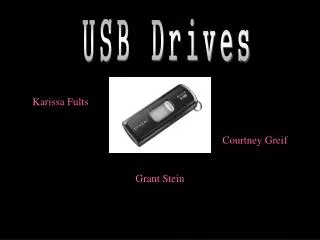
This tutorial provides step-by-step instructions for saving documents to a USB drive. First, insert your USB drive into the USB port on your modem. Open "My Computer" and locate "Removable Disk (E:)." To save a document, click on "File," then select "Save As" from the drop-down menu. Navigate to "My Computer" again, select "Removable Disk (E:)," and finally click "Save" to store your document. This guide simplifies the process, ensuring you can easily manage files on your USB drive.


USB Drives
E N D
Presentation Transcript
USB Drives A quick tutorial
Inset USB Drive into a USB port, located on the modem. Go into the folder labeled My Computer and click on Removable Disk (E:) Getting Started
Saving a Document • Click on File, and then click Save As in the drop down menu • Go into My Computer, click on Removable Disk (E:). • Click Save