Download
1 / 14
140 likes | 323 Views
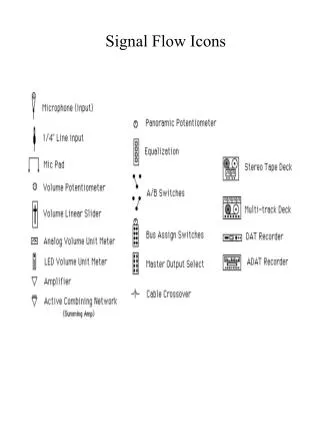
This detailed guide covers the essential components of a control room designed for multi-track recording and effects processing. Learn about interfacing inputs, buses, and masters, including mic/line pads, tape inputs, flip switches, and Aux sends. Discover the functionalities of headphone cues, mixdown settings, and the essential Mix A/B configurations. Get insights into how phase adjustments, levels, and effects can enhance your recordings, and master the art of sound mixing by effectively utilizing your studio's capabilities.

E N D
mic/line pad Tape In Flip Switch Buss/Pan Assign L/R Mixdown direct out Summing Amp (ACN) Bus Fader
Bus Out Direct Out
Phase----- 48V------- O-- Tape level
Headphone (CUE) AUX or rev Use pre for phones ACN Aux 1-2 Master Studio A Phones Selector Aux 1-2 Use pre for phones Mix B Mix B Phones Master Vol CRV ACN Aux Master Headphone Amp Mix B Master Vol
EFX Send and return Separate Return to any open Channel Mic Channel at Multi-Track Or Tape Channel at Mix Mix B Monitor Section Mix A for Mixdown For Multi-Track set this channel to line in and in the mon section select channel Could also record to multi-track by busing to another track For Mix set this channel also to line in Then assign L/R switch ACN ACN Aux Master Aux Master Use Post Mon for Multi-Track Use post input for mixdown REVERB (EFX) IN OUT