Download

1 / 6
60 likes | 173 Views
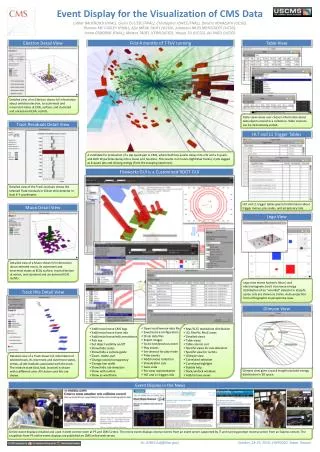
This presentation is designed to encourage audience participation and discourse, leading to the creation of actionable items. Using PowerPoint's features, you can seamlessly track these action items during your presentation. Access Meeting Minder in Slide Show mode to document key points in real-time. At the end, an Action Item slide is automatically generated, summarizing your contributions. This session at the HRD event will showcase effective strategies for utilizing this tool while presenting important updates on ED's functionality, code development, and features for improvement.

E N D
This presentation will probably involve audience discussion, which will create action items. Use PowerPoint to keep track of these action items during your presentation • In Slide Show, click on the right mouse button • Select “Meeting Minder” • Select the “Action Items” tab • Type in action items as they come up • Click OK to dismiss this box • This will automatically create an Action Item slide at the end of your presentation with your points entered. Event display for the HRD D. Protopopescu University of Glasgow, U.K. DESY, Hamburg, May 2005
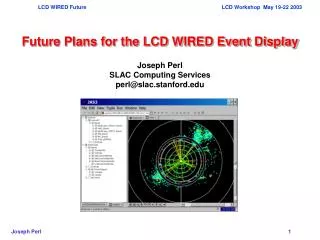
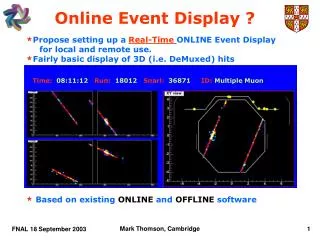
ED is fully functional • Written in Tcl/Tk and based on PinK classes • Reads ADAMO/DAD data and shows hits in the subdetectors
Features • The geometry is coded in a flexible format such that further realignments can be easily implemented • There is one main view and 4 secondary views of the HRD
More features • Digitized information (x,y,z) is shown where the tables are available • Quantity of printed info is customizable
Code development • The ED reads now several ADAMO table structures, as these changed during the simulation/reconstruction code development • The files produced by hdc have to be translated in RFIL to be read by the ED (this is done with hexe, or with the ced script) • ADC thresholds are implemented for testing purposes • A few details of the representation still have to be drawn in • Further input from subdetector experts would be appreciated • The scripts are available in onl@red and everyone is encouraged to test them and come with practical suggestions
Summary • We have a working ED that can be used to check the latest data • We must start using it in order to test both ED and detector