Download
1 / 26
260 likes | 369 Views
Register once a year for free on OLC to claim flights. Fix incorrect country info, add IGC file, and pay annual fee. Follow Arnold's tips for submitting files and emailing. Participate in worldwide and club-level scoring.

E N D
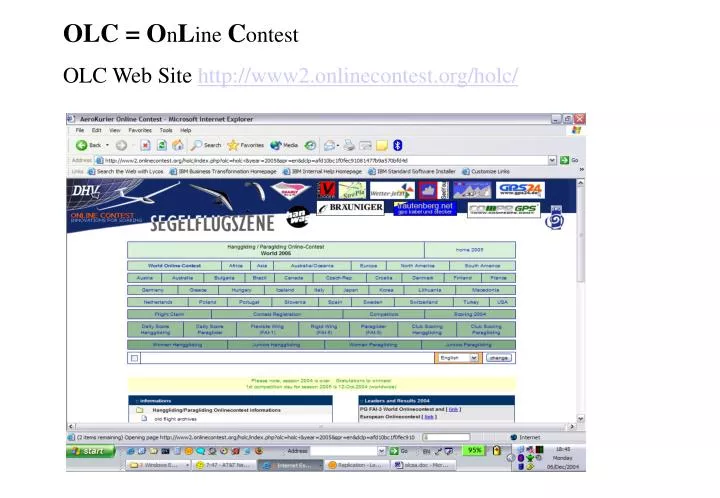
OLC = OnLine Contest OLC Web Site http://www2.onlinecontest.org/holc/
Once you are registered (for free) you can do a Flight Claim Use the Name under which you registered
Submit your OLC file that you created with software like Maxpunkte
Make sure all the info is correct. In this case the country is wrong. Shows USA
Tips from Arnold • With the OLC file add your IGC file • Add a takeoff time, use 1 minute before • Save the reference number with the file like 54OULFA1.527fdc47c7.olc • Pay Arnold an annual OLC fee • Email Arnold taifun@telkomsa.net
And after you claimed your flight you are back at the Welcome page
No GPS ? • http://t3d2.sourceforge.net/Applets/IGC/MakeIGC.html • http://www.mycloudbase.com/google/ • Type in take off and landing coordinates • And you get a straight line IGC file for Maxpunkte and then submit to OLC