Understanding E-Waste: Importance, Hazards, and Solutions
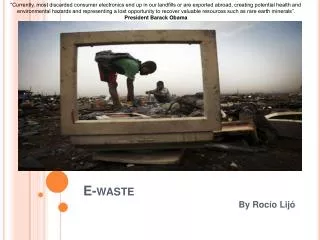
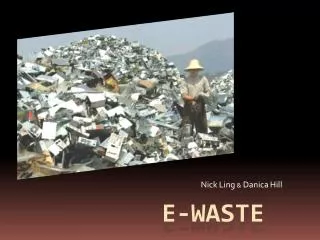
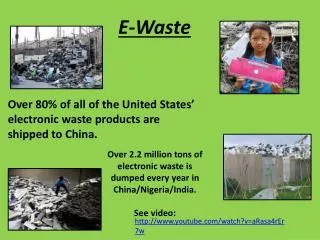
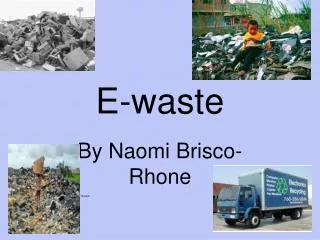
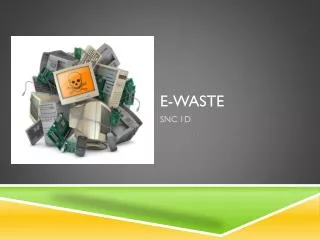
E-Waste, or Electronic Waste, refers to discarded electronics like computers, televisions, and cell phones. Many of these devices contain hazardous toxins such as lead, cadmium, beryllium, and mercury. Often, e-waste is exported to other countries for disposal, leading to significant environmental and health issues. In this presentation, I aim to raise awareness about the e-waste crisis, explore its challenges, and share actionable ways individuals can contribute to mitigating this urgent issue. Learn about my discoveries and resources to help combat e-waste.

Understanding E-Waste: Importance, Hazards, and Solutions
E N D
Presentation Transcript
E- Waste By: Amanda Regan
What is E- Waste? E-Waste, or Electronic Waste consists of old computers, televisions, cell phones, and MP3 players.Certain scrap parts of these electronic devices contain hazardous toxins including: lead, cadmium, beryllium, and mercury. A lot of the e- waste is exported to other countries to be broken down and discarded.
Why E-Waste? I chose to talk about E- Waste because I thought believe that it is a really important issue that not many people know about. My goal today is to increase your knowledge and awareness of e- waste and I hope that after my presentation you will know different ways that you can help.
Problems 1. Finding an appropriate applet. 2. Embedding videos. 3. Finding data for my excel worksheet.
What I Learned… How to design a webpage. How excel worksheets are made. How to embed a video from YouTube.
What Can You Find on My Webpage? World Clock Power Point Proposal Excel Data Videos Additional Links More Information