
Implementing SQL Server Always On: Clustering, DB Mirroring, and Log Shipping Techniques
E N D
Presentation Transcript
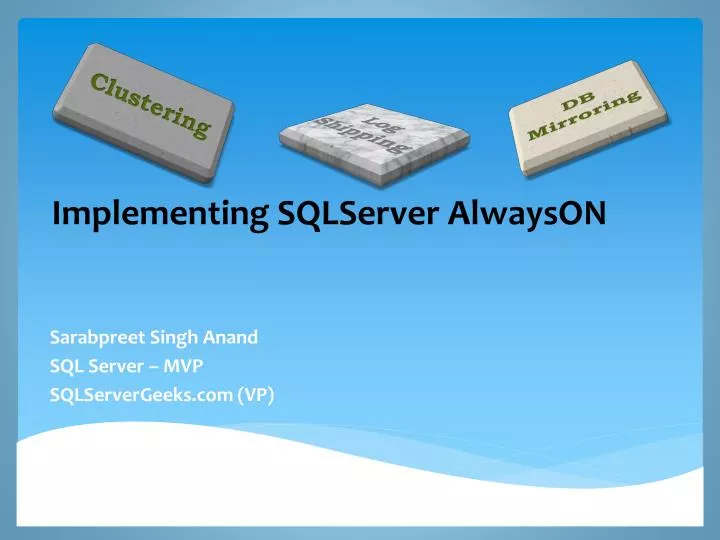
Clustering DB Mirroring Log Shipping Implementing SQLServerAlwaysON Sarabpreet Singh Anand SQL Server – MVP SQLServerGeeks.com (VP)
Sarabpreet Singh Anand • SQL Server MVP • MCTS, MCITP: Admin, MCT certifications • Vice President & Regional Mentor SQLServerGeeks.com • Expert in handling VLDBs & Disaster Management • Conducted many SQL Server Boot camp Trainings across India • Regular Speaker: • UG Events, In-person Events & Webcasts • Microsoft Community Tech Days (CTD),Etc • Follow Me @Sarab_SQLGeek • Email :sarab@sarabpreet.com • sarabpreet.anand@gmail.com
Agenda • Why AlwaysON • What is required to configure AlwaysON • Benefits of AlwaysON • How AlwaysON works • Diff. Topologies • Readable Secondary • Backup on Secondary • Demo • How to implement\Configure AlwaysON • Backups on Secondary • Readable Secondaries
What is required to configure AlwaysON • Windows Failover Cluster • SQL Server 2012 Enterprise\Developer\Evaluation Edition • All Nodes should be part of the same domain. • Static IP for Listener (a DHCP also Works but….)* • Same Drive Letters on all Nodes otherwise....* • AlwaysON should be enabled on each SQL Installation Service • All participating DBs should be in Full Recovery model with minimum of One Full backup. • Shared Folder*
How AlwaysON Work Availability Group Listener • Clients connect to primary replica using Listener • A failover is initiated • SQL-AG1 confirms failover and informs WSFC • Bring SQL-AG1 offline • Clients are disconnected • Brings SQL-AG2 online • AG & Listener resource moves to SQL-AG2 • Clients are automatically redirected to SQL-AG2 using Listener • WSFC notify all secondary replicas • Secondaries reconnect to the new primary replicas mirroring endpoint and synchronization resumes
Topology Examples A A A A Direct attached storage local, regional and geo secondaries Synchronous data movement Asynchronous data movement
Readable secondary Readonly routing Availability Group Listener Client connects to the Availability Group Listener • Standard connections are routed to the Primary server for read/write operations • ReadOnly connections are routed to a readable secondary based on ReadOnly routing configuration
Readable SecondaryOffloading Backups To a Secondary • Backups can be done on any replica of a database to offload I/O from primary replica • Transaction log backups, plus COPY_ONLY full backups • Backup jobs can be configured on all replicas and preferences set so that a job only runs on the preferred replica at that time • This means no script/job changes are required after a failover • Transaction log backups done on all replicas form a single log chain
Let’s see how to • How to Implement AlwaysON • How to Failover • AlwaysON Dashboard • How to Configure • Backups on Secondaries • Readable Secondaries • Test Readable Routing • Listener • Add DB to same AlwaysON Group
Thank you • Speaker Contact Info: • Twitter: @Sarab_SQLGeek • Email: Sarab@Sarabpreet.com • Sarabpreet.anand@gmail.com