
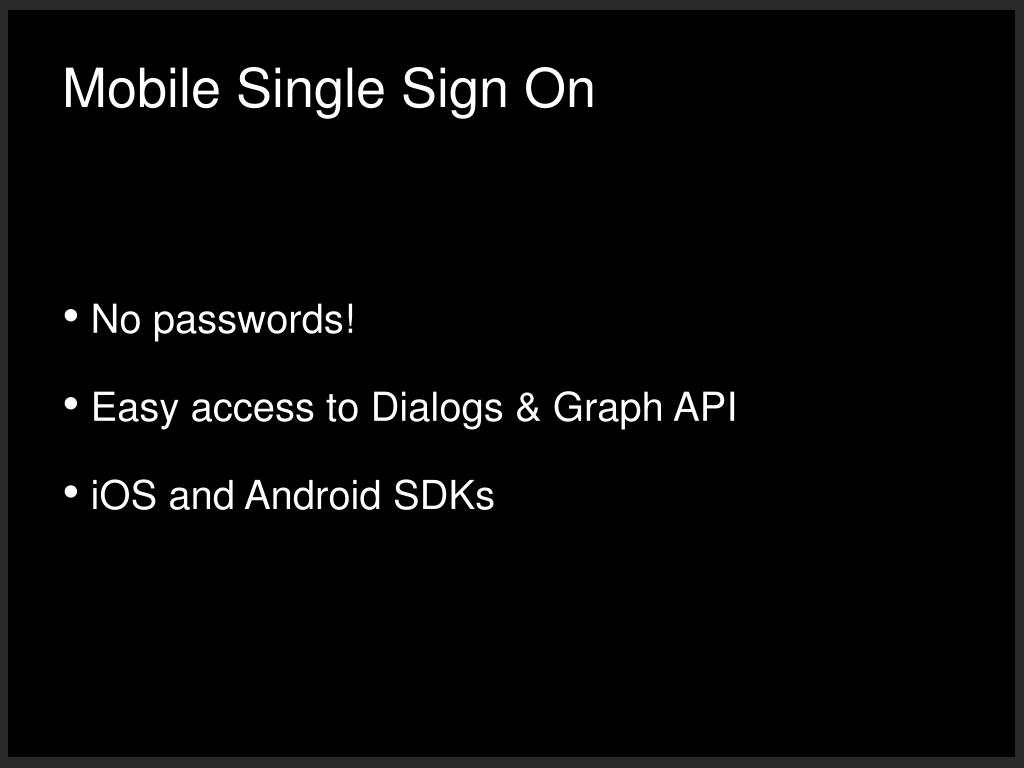
Mobile Single Sign On

Streamline user access to your app with Mobile Single Sign-On, eliminating the need for passwords. Our solution allows easy access to Dialogs and Graph API, enhancing user experience. When the Facebook app is installed, users will be redirected there; if not, they will be sent to Safari. After confirming permission, users are redirected back to your app with the access token. Explore detailed information and code examples on our developer site, helping you implement this feature seamlessly.
Download Presentation 
Download Policy: Content on the Website is provided to you AS IS for your information and personal use and may not be sold / licensed / shared on other websites without getting consent from its author.Content is provided to you AS IS for your information and personal use only. Download presentation by click this link. While downloading, if for some reason you are not able to download a presentation, the publisher may have deleted the file from their server.During download, if you can't get a presentation, the file might be deleted by the publisher.
E N D