Download
1 / 2
20 likes | 149 Views
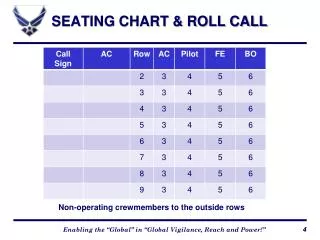
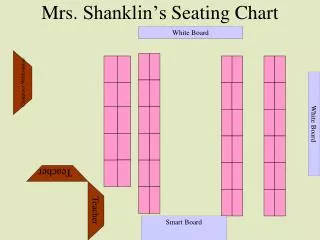
Explore Mrs. Shanklin's creative approach to classroom organization with her seating chart displayed on a whiteboard. Using a combination of traditional name boxes and cutting-edge technology, she ensures a dynamic and engaging learning environment. Each student is assigned a specific workstation, promoting collaboration and individualized learning. The setup allows for easy adjustments and clear visibility, making classroom management efficient and effective while integrating a Smart Board for interactive lessons.

E N D
Mrs. Shanklin’s Seating Chart White Board White Board Computer Workstation White Board Teacher Teacher Smart Board
Traditional Name box Name box Name box Name box Name box Name box Name box Name box Name box Name box Name box Name box Name box Name box Name box Name box Name box Name box Name box Name box Name box