Download
1 / 12
150 likes | 418 Views
This guide delves into the critical components of multimedia systems, detailing essential hardware for both development and playback. Key components include the processor, memory, video and audio cards, and storage devices like CD-ROMs and hard drives. We reflect on the requirements for high-quality production systems versus standard playback systems, emphasizing the importance of specifications like resolution, color quality, and sampling rates. An overview of historical MPC (Multimedia PC) standards is also provided, highlighting their significance for software compatibility and developer assurance.

E N D
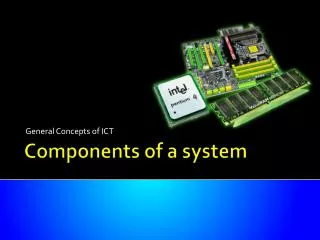
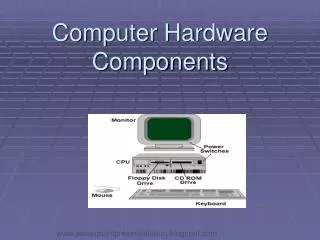
Computer System Components • Processor – data processing and transfer • Memory – RAM (128 or 256 MB) and hard-drive • Monitor – resolution (# of pixels) • Video card – color quality (# of colors) • 8 bits = 256 colors • 16 bits = 65,536 colors • 24 bits = 16.7 million
Computer System Components • Audio card – sound quality • 16 bit standard • Sampling – changing analog signal to digital signal
Computer System Components • CD-ROM drive • 650 MB • Reads data and transfers it to computer • Transfer rate: 1x = 150 kbps to 12x = 1800 kbps • Seek time: 200 milliseconds (+/-) • Hard drive • 20+ gigabytes • Transfer rate: 100 MB/s • Seek time: 8.9 ms
Development Versus Playback • Development systems • Best product quality using fastest and most powerful computer • Will also lower production cost by reducing production time • Playback systems • Computers in use. Mostly not at the high end of available technology
Typical Multimedia Development System Scanned image: from Multimedia Concepts – James Shuman
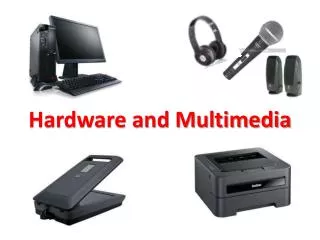
Development System • Processor – min. Pentium 3 • Memory – 256 MB RAM and up • Video capture card – capture, digitize & store video • Monitor • Min 20” for detailed editing • 2 monitors: to work and display as title is created
Development System • Peripherals • Scanner – flatbed, handheld, or negatives • External storage: • Syquest (135MB) • Iomega zip (100 or 250 MB) • Jaz drive (250 MB) • External hard drive (60+ GB)
Development System • Peripherals • CD-RW • Digital still camera • Microphone • Other components: • Digital video camera • DVD drive • USB or fire-wire connections
Multimedia PC History • MPC - specifications for hardware and software • MPC logo: • Software ran on MPC machines • Developing software was less risky: • Customer reassured what software would work for them • Hardware was built to MPC specifications • Developer knew MPC software would run on any MPC machine
The End University of North Texas Dr. Vicky Cereijo