Accessing CDTs with OARS
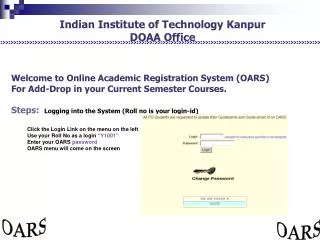
This guide provides detailed instructions on how to access California Assessment Data (CDT) results using OARS. It covers the process of printing tests from the INSPECT library, creating district reports, and filtering test data for all students. The report highlights the percentage of students who answered specific test items correctly, including performance metrics for CAHSEE standards. Additionally, it offers insights into assessing individual student responses for enhanced understanding of their performance.

Accessing CDTs with OARS
E N D
Presentation Transcript
36.24% of students answered R 2.1 correct -- 5 items on CAHSEE R 2.136.97% of students answered WOC 1.2 correct -- 4 items on CAHSEE for WOC 1.2
36.24% of students answered R 2.1 correct -- 5 items on CAHSEE R 2.136.97% of students answered WOC 1.2 correct -- 4 items on CAHSEE for WOC 1.2