Electronic Presentations
50 likes | 77 Views
Learn to create impactful electronic presentations for various purposes like demonstrations, sales meetings, and staff meetings. Discover key steps, rules, and delivery techniques to enhance your professional image.


Electronic Presentations
E N D
Presentation Transcript
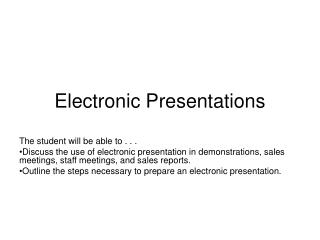
Electronic Presentations The student will be able to . . . Discuss the use of electronic presentation in demonstrations, sales meetings, staff meetings, and sales reports. Outline the steps necessary to prepare an electronic presentation.
What electronic presentations do • Clarify or emphasize a point • Support multiple learning styles • Add variety to presentation • Record main points of presentation • Enhance professional image http://www.uga.edu/teched/conf/maxppt/tsld003.htm
Seven basic rules • Keep message simple; slides should compliment presentation, not repeat it • Maximum of six or seven sentences per slide • Limit of seven words per sentence • Use upper and lower case letters • Avoid italics and punctuation • Serif type faces more legible than sans serif and limit size changes to 3 • Watch color contrasts between text and background http://www.uga.edu/teched/conf/maxppt/tsld003.htm
Delivery techniques • Use proper grammar and correct usage • Avoid saying “uh” • Don’t read slides word for word • Use animation effects sparingly http://www.uga.edu/teched/conf/maxppt/tsld003.htm
Additional possibilities • Hyperlink to web materials • Action setting to launch another program • Link to a digital video clip • Use digital pictures ... http://www.uga.edu/teched/conf/maxppt/tsld003.htm