Step-by-Step Guide to Restore Training Database in Topyacht
50 likes | 171 Views
This guide outlines the process for restoring a training database in Topyacht. It walks you through essential steps: opening the Topyacht software, creating a folder for your training database, and restoring from a zip file. Furthermore, it details how to delete the last race by selecting the appropriate series, maintaining the VYC Handicap, and managing allocated handicaps for the race finish times. Follow these steps for efficient database management in your sailing events.


Step-by-Step Guide to Restore Training Database in Topyacht
E N D
Presentation Transcript
Get this file C:\program files\topyacht\tyacht8\temp http://www.rgyc.com.au/results/training.zip
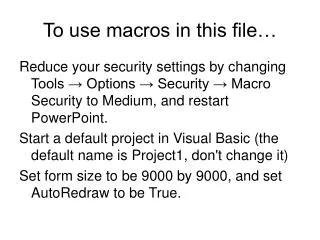
Open Topyacht • Database • Create • Folder name training • Name for Database training • Create Database • Restore • Select temp • Find .zip • restore Click admin Button
Delete the last race • Step 1 (Select Series) • Select VYC Handicap • OK • Select maintain • For this series • Remove last race Click admin Button