Step-by-Step Guide to Using EnviroMapper for Environmental Data Retrieval
80 likes | 195 Views
This presentation provides a straightforward tutorial on how to access and utilize the EnviroMapper database, focusing on environmental searches. Participants will learn how to navigate the My Environment Homepage, enter specific zip codes such as 37209, and select relevant data under the Air, Water, and Waste tab. The step-by-step instructions will include generating a Multisystem report for entities like Aladdin Industries Incorporated, detailing the types of pollutants released and other vital information. Ideal for anyone interested in environmental data and analysis.


Step-by-Step Guide to Using EnviroMapper for Environmental Data Retrieval
E N D
Presentation Transcript
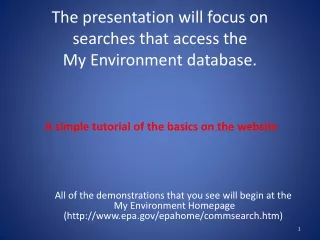
The presentation will focus on searches that access the EnviroMapper database. A simple tutorial of the basics on the website All of the demonstrations that you see will begin at the My Environment Homepage (http://www.epa.gov/epahome/commsearch.htm)
EnviroMapper TutorialStep by Step Instructions 1.) From the EnviroMapper homepage, enter 37209 as the zip code. 2.) Under the Air, Water, and Waste tab, select Toxics, wait for the map to load the new data. 3.) Scroll to the bottom of the page, and click Aladdin Industries Incorporated. 4.) The Multisystem report is generated for Aladdin Industries Inc. 5.) The types of pollutants being released is described in the report. 6.) Other detailed information is provided in the report as well.
From the EnviroMapper homepage, enter 37209 as the zip code.
Under the Air, Water, and Waste tab, select Toxics, wait for the map to load the new data.
Scroll to the bottom of the page, and click Aladdin Industries Incorporated.
The Multisystem report is generated for Aladdin Industries Inc.
The types of pollutants being released is described in the report.
Other detailed information is provided in the report as well. It includes, but is not limited to Air Program info, and Pollutant info, and AFS data.