Setting Up NWSChat for Weather Partners: A Step-by-Step Guide
NWSChat provides an efficient way for core partners, including Emergency Managers and Media, to engage with the National Weather Service. This guide outlines the steps to set up your NWSChat account, ensuring a smooth login process. Users can navigate to https://nwschat.weather.gov to create their accounts. The platform features an option to "Hide NWSBot," limiting displays to chats rather than products. Additionally, a recommended training webinar is available for new users to enhance their experience with NWSChat.

Setting Up NWSChat for Weather Partners: A Step-by-Step Guide
E N D
Presentation Transcript
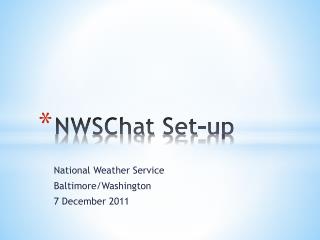
NWSChat Set-up National Weather Service Baltimore/Washington 7 December 2011
NWSChat is just another way for our core partners to connect with us • For EMs and Media WHY NWSChat?
There is a number of steps to set up account • Every user has their own accnt • NWS Ops staff (Forecasters/HMTs/Interns) • Media • Ems • Once set-up, logging in is easy! Set-Up
Open a web browser • Navigate to: • https://nwschat.weather.gov • Note that it’s https Getting Started…
OK, you’ve created your account… • …I highly recommend the following webinar. It is very well done! Training
OPTION: “Hide NWSBot” will only display chats, and not products