Guidelines for Submitting Travel Requisition Forms in SciQuest
Learn how to complete and submit travel requisition forms in SciQuest. Follow step-by-step instructions for a seamless process. No need for hard copies of PR, but ensure all supporting documents are attached.

Guidelines for Submitting Travel Requisition Forms in SciQuest
E N D
Presentation Transcript
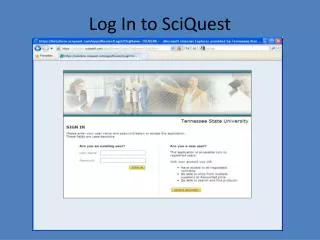
1. Sign in to SciQuest Select Forms
Use the SciQuest PR Number as your Travel Requisition Number
Select E mail Recipient(s) (approver(s)) and type “Please Review and Approve” in the text box
Other Information • There is no need to attach copies of the SciQuest generated PR to the hard copy. • Attachments are NOT required but may be submitted if you choose. • The hard copy Travel Requisition should be signed by only the traveler, and submitted to the Travel Office with all supporting documents attached.