Essential PowerPoint Design Tips for Effective Presentations
When creating PowerPoint presentations, remember that less is often more. Overusing effects can distract from your content, so focus on enhancements that truly add value. Keep slides uncluttered, limited to 3-6 concise bullets, and use easily readable fonts and colors that stand out. Avoid overcrowding with excessive text, and instead, summarize key points on conclusion slides to energize your audience. Make notes your ally, guiding your speech rather than being a script. Follow these tips to improve your presentation skills and maintain audience attention.

Essential PowerPoint Design Tips for Effective Presentations
E N D
Presentation Transcript
PowerPoint Design Tips Computer Applications
Don’t Overuse Effects • Focus attention on the presentation content • Use effects that enhance the presentation • Less is more with effects
Bad Example • This is an overuse of effects • Less is more, not more is more
Background with text over it • Hard to read • Please don’t do this
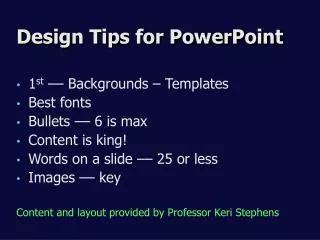
Don’t Overcrowd Slides • Use 3 to 6 bullets per slide • 6x6 or 6 bullets / 6 words each • Avoid sub-headings, use separate slide • Bring in bullets one by one
This is an example of overcrowding a PowerPoint slide • You don’t need to type in every single word you want to say. This will be distracting to your audience and is not a proper use of presentation software. Furthermore, individuals taking notes on a presentation will struggle to summarize the important information in such a brief period. You should summarize it into 3 to 6 bullets that are no more than 6 words long.
Consider Readability • Use large, easy-to-read fonts • Coordinate text color to stand out • Coordinate text color for visual appeal
Readability problems • This is too small • This color won’t show up • This color isn’t the most appealling
Include A Conclusion Slide • Identifies end of presentation • Summarizes 3 to 5 main points • Emphasizes important issues • Energizes audience toward action
Tips When Presenting • Don’t read word for word • Utilize notes section for elaboration • Notes as memory joggers, not script
Conclusion • Don’t overuse effects • Don’t overcrowd slides • Focus on readability • Summarize with conclusion slide • Presentation tips