Download
1 / 13
130 likes | 238 Views
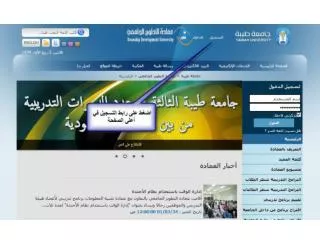
Learn how to update your MyPages Passport profile with ease. Start by clicking on the Passport section, then fill out all required fields and click 'Next' to begin customizing your profile. To select industries, countries, consumers, and industry outputs, right-click on the respective categories. Choose your desired countries and uncheck any options if you prefer not to receive alerts. Finally, review the summary of your selections, scroll down, and select 'Go to Passport Home' to complete the process.

E N D
Right click on Industries to select all. Do the same for Countries and Consumers and Ind Output