
Uploaded by
asher
1 SLIDES
203 VIEWS
10LIKES
Audio Setup Wizard
DESCRIPTION
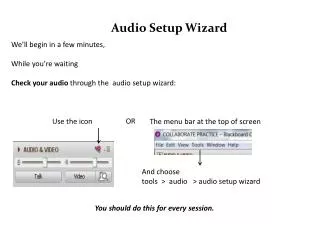
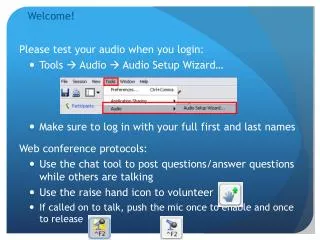
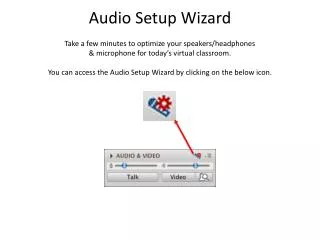
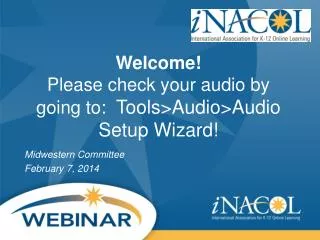
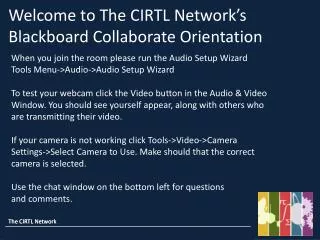
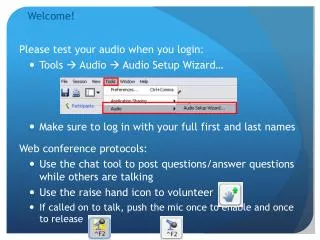
Audio Setup Wizard. We’ll begin in a few minutes, While you’re waiting Check your audio through the audio setup wizard:. OR. Use the icon. The m enu bar at the top of screen. And choose tools > audio > audio setup wizard . You should do this for every session.
Download
1 / 1
Download Presentation 
Audio Setup Wizard
An Image/Link below is provided (as is) to download presentation
Download Policy: Content on the Website is provided to you AS IS for your information and personal use and may not be sold / licensed / shared on other websites without getting consent from its author.
Content is provided to you AS IS for your information and personal use only.
Download presentation by click this link.
While downloading, if for some reason you are not able to download a presentation, the publisher may have deleted the file from their server.
During download, if you can't get a presentation, the file might be deleted by the publisher.
E N D
Presentation Transcript
Audio Setup Wizard We’ll begin in a few minutes, While you’re waiting Check your audio through the audio setup wizard: OR Use the icon The menu bar at the top of screen And choose tools > audio > audio setup wizard You should do this for every session.

More Related