Download
1 / 2
20 likes | 145 Views
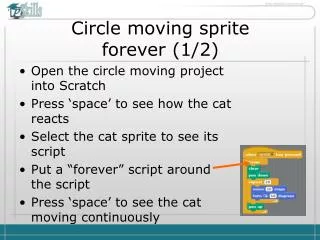
Learn how to create a sprite that moves in a continuous circle in Scratch. This tutorial walks you through the steps to open the moving project, interact with the cat sprite, and manipulate its script. By pressing the 'space' bar, you can see the cat react, and with a simple adjustment of adding a "forever" loop around its movement script, the cat will keep moving endlessly. To stop the movement, simply press the red button above the stage. Follow along to enhance your Scratch programming skills!

E N D
Circle moving sprite forever (1/2) • Open the circle moving project into Scratch • Press ‘space’ to see how the cat reacts • Select the cat sprite to see its script • Put a “forever” script around the script • Press ‘space’ to see the cat moving continuously
Circle moving sprite forever (2/2) • To stop the movement, press the red button abovestage.