Finding Training Offers by Competency Name in My Learning Link
60 likes | 182 Views
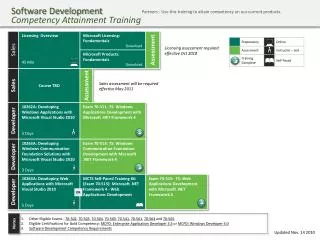
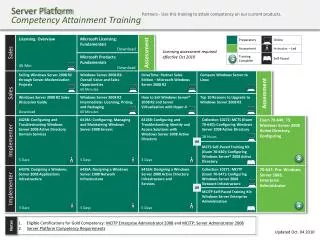
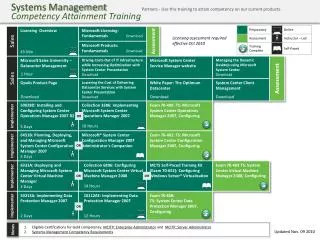
Discover how to efficiently search for training offers based on your competency name within My Learning Link. Log into your account and navigate to the My Account section where you can view your job code competencies. Use the Search for Training link on the welcome page to select the competency you want to develop. Click the search button to see available training offers and refine your results by your preferred language. For specific courses, utilize the Title search field and enter relevant keywords for better search outcomes.


Finding Training Offers by Competency Name in My Learning Link
E N D
Presentation Transcript
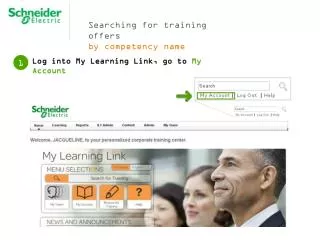
Searching for training offers by competency name • Log into My Learning Link, go to My Account 1
Searching for training offers by competency name In My Account information you will be able to see your job code competencies 2
Searching for training offers by competency name 3 From the welcome page, click on the Search for Training link
Searching for training offers by competency name 4 Select the competency name that you would like to develop, by clicking on the icon (on the left of the competency name).
Searching for training offers by competency name Click on the search button and My learning Link will show you the available offer linked to that competency 5 You can narrow your search selecting the language of your preference
Searching for training offers by competency name If you are looking for a specific course, use the Title search field and type key words to find the available offer. 6 You can narrow your search selecting the language of your preference