
Uploaded by
Menghuot
8 SLIDES
179 VIEWS
80LIKES
Window 8 tutorial
DESCRIPTION
How to get power button to the taskbar. CS110 Assignment: Zaman University Phnom Penh Cambodia
Download
1 / 8
Download Presentation 
Window 8 tutorial
An Image/Link below is provided (as is) to download presentation
Download Policy: Content on the Website is provided to you AS IS for your information and personal use and may not be sold / licensed / shared on other websites without getting consent from its author.
Content is provided to you AS IS for your information and personal use only.
Download presentation by click this link.
While downloading, if for some reason you are not able to download a presentation, the publisher may have deleted the file from their server.
During download, if you can't get a presentation, the file might be deleted by the publisher.
E N D
Presentation Transcript
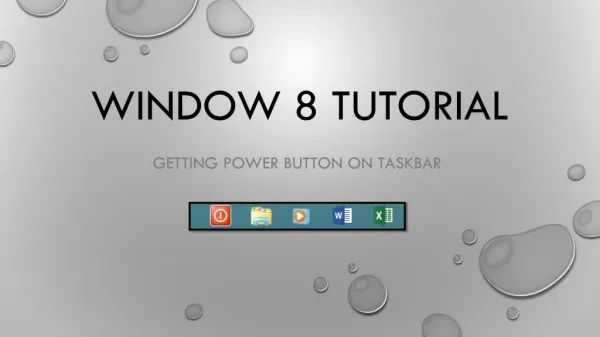
Window 8 tutorial Getting power button on taskbar
On desktop • Simply right click on blank area • ClickNew • ClickShortcut
Fill the blank like the left picture (“00” is the delayed time)
After, a file will appear on the desktop • Right click on it • And click properties
Now , you can shut down your computer properly with just a click on it. Thank You !!!


More Related