smart-plug
E N D
Presentation Transcript
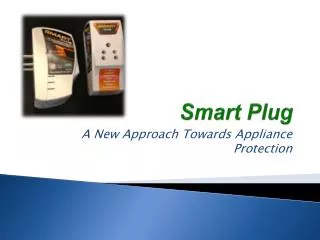
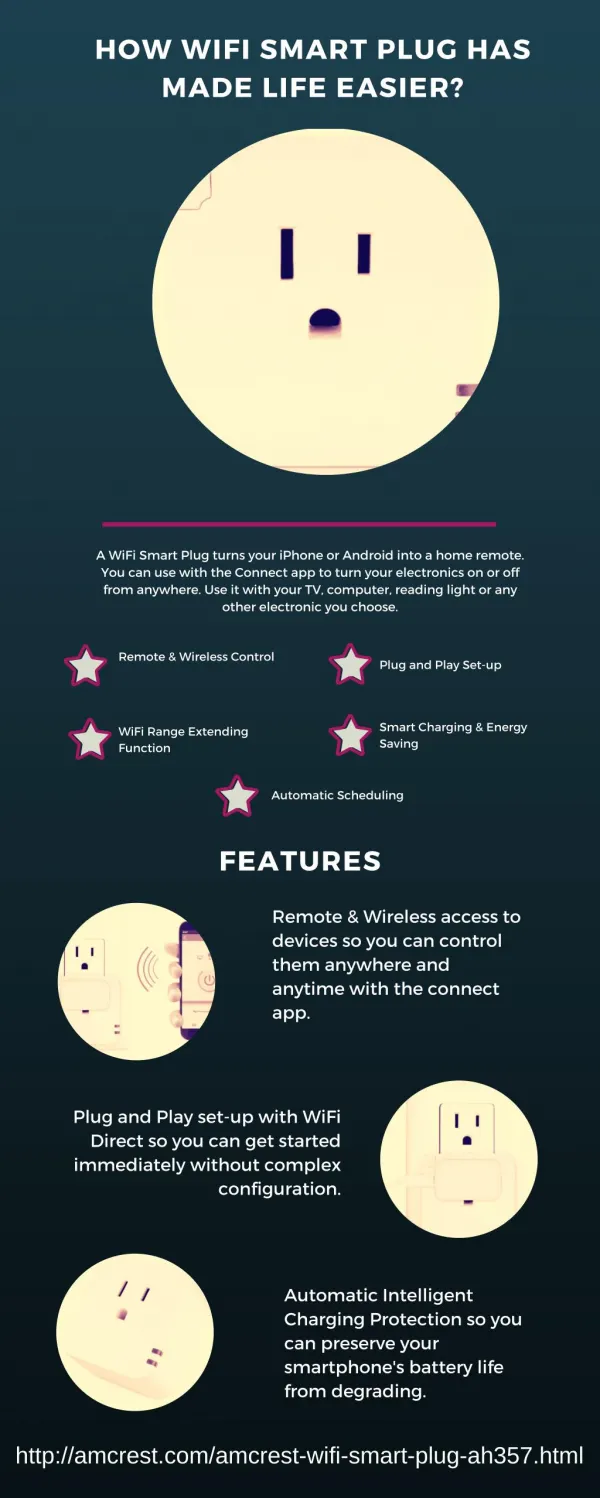
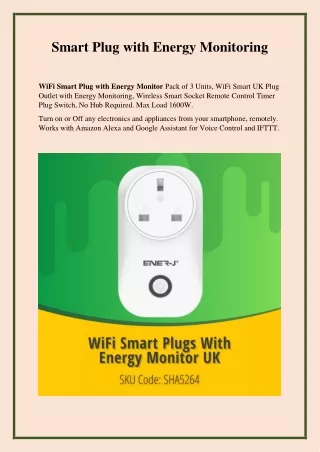
Why Smart Plug is Necessary for Home Energy Mnagament System and How We Use It? Smart plugs are a simple way to automate your wired devices and make your home a bit smarter .The smart plug can transform ordinary household appliances into intelligent devices in just a few seconds of setup. For example, it allows you to effortlessly manage the on/off schedules of your devices and experience the convenience of timed switching. Additionally, you can benefit from its electricity monitoring and reminder functionality, tracking and optimizing your energy usage. Smart plug modernize your spaces by converting your appliances and devices into smart products. Smart plugs can help lower your home’s energy consumption and reduce your electricity bill through their scheduling features. Using this feature, you can schedule some smart plugs to turn off and turn on appliances at certain times of the day. Features of Smart Plugs Improve your home network connectivity
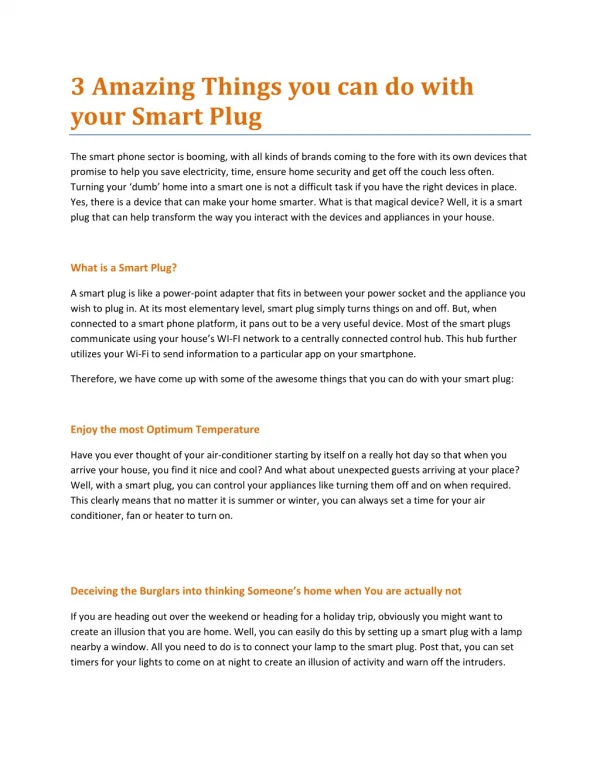
Control your devices with voice command Monitor energy consumption from anywhere in the world Manage your energy use with easy scheduling Eliminate vampire draw Turn appliances on and off remotely In simple language, when charging your phone at night time, set the timer on your Smart Plug to come on for just 2-3 hours during the night, this should be plenty of time to fully charge your phone Coming up to Christmas, the age old question of 'Did I leave The Christmas tree lights on?' will be now more. You can now check on an app if the Smart Plug is switched on or off. Above can be said for irons, hair straighteners, curling tongs etc etc... Control lamps by setting up timers around your house to give the impression of an occupied house, even when you are away on holidays. Save energy and money by switching TV's and audio equipment off completely at night time. Leaving TV's etc in standby uses energy and can be a fire hazard.
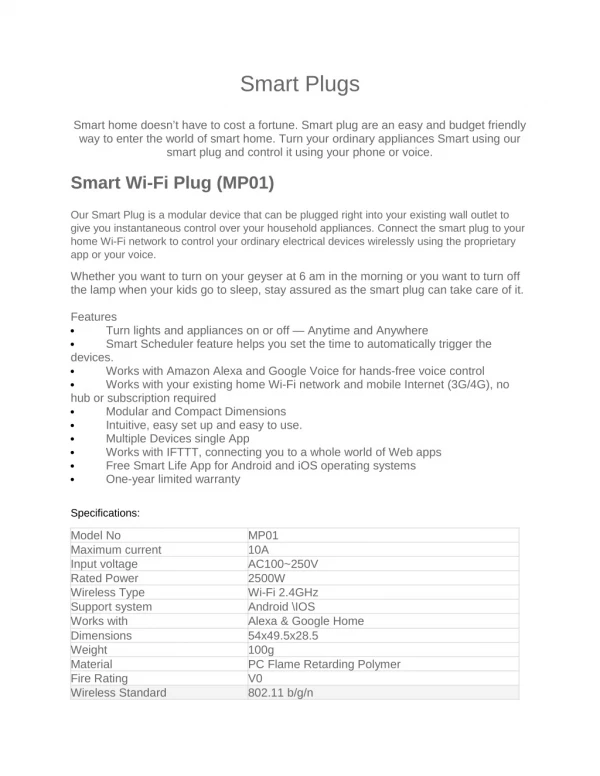
Specifications of Smart Plug Wireless signal range: Up to 1,900 m in an open space with hub and Two-way communication with hub Wireless signal modulation: FSK / DSSS Encrypted communication: All the data transmitted are protected by AES-CCM encryption with a random key. Power Supply: 230 V~ ±10%, 50/60 Hz Operation Temperature: From -10°С to +55°С (14°F to 131°F) Storage Temperature: From -20°C to 60°C (-4°F to 140°F) Operation Humidity: From 10% to 90% Dimension (WxHxD): 58 × 50 × 52.8 mm
Weight: 74.1 g How to Use Smart Plug? *You can click Spec (EU / US / UK )and QSG (EU / US / UK) to check more information about Smart Plug. Smart Plug Appearance Appearance Description ON/OFF Indicator ON: Blue indicator is on OFF: Blue indicator is off Note : there are three models (UK / US / EU standard plug) available, and we only select one of them for the following display and demonstration. You can select the appropriate one according to your requirements. Smart Plug Mobile App State Parameter Value Meaning 0~64 Associated Shows the number of custom scenes associated with this Scene Smart Plug. You can also click to view and configure the scenes. *Please turn to Charter 6. Scene Management for more details. Signal Strength Shows the signal strength between the Smart Plug and the
Hub. Connection Online / Shows the connection status between the Smart Plug and the Status Offline Hub. *The Smart Plug will not be functional if the status is offline. Opened/Closed Click the button to switch the relay open/close / Timing Trigger the relay execute action when the estimated time is reached Countdown Trigger the relay execute action after the countdown timer expires Consumption / Show the power consumption details *Click to see more real-time information Child lock / When the child lock is switched on, any key operation loses its control function,you can only control the plug through APP. *Press 4 times within 5 seconds to unlock the child lock. Smart Plug Setting Basic Setting Click " " on the top right corner and turn to “Setting”.
Parameter Setting Meaning Basic / Check the basic information of this Informatio device, including MAC Address, Serial n Number, etc. And you can also edit the device name here by yourself. Room Customized Room You can select one of the rooms created belongs to before and then link the Wall Switch to. *When linked to a specific room, the device will be displayed on the peripherals list of the room. Power On ON / OFF / Last Status You can select if you want to in default Default state when power is back on State OFF: When power is back on, the plug is off by default ON: When power is back on, the plug is on by default Last Status: After re-powering on, the power supply remains in the state before power outage.
Consumpti / You can enter a daily / weekly / monthly on Alert power warning value that will alert you if it is reached or exceeded. Signal A function that used to check the signal Strength strength between the Smart Plug and the Test Hub at current place. When this function is enabled, you can check the feedback from the app to check the signal strength easily. Display On ON / OFF When enabled, the Wall Switch will show Homepage up on homepage so that you can operate quickly. User / Click to check the user guide document of Guide Wall Switch Delete / When enabled, the Wall Switch will show Device up on homepage so that you can operate quickly. Timing Setting Step 1: Click the "Timing " and turn to the adding page. Step 2: Click "+" on the top right corner and turn to "Timing Configure Page"
Select the execution time and which day of the week you want to loop. Execute Action: The Execute Action you want the relay to perform when it reaches the time you have set. Countdown Setting Click "Countdown " and turn to the adding page.
Choose how long after you want to perform the action. Execute Action: The Execute Action you want to perform when it reaches the time you have set. Energy Consumption Preview Check the real-time power statistics, including Current power, Current and Voltage. Daily, weekly, monthly and yearly trends in electricity consumption will be shown. Note: There will be several minutes’ delay of updating the power consumption We are thrilled to invite global distributors to join us in selling our cutting- edge home security system and devices worldwide. Our revolutionary system operates on a no-contract basis, ensuring flexibility and convenience for homeowners. With user-friendly installation processes, our devices can be effortlessly set up, making home security accessible to every household. By partnering with us, you will be at the forefront of a mission to provide unparalleled security solutions to homes across the globe. Together, let's make the world a safer place, one home at a time