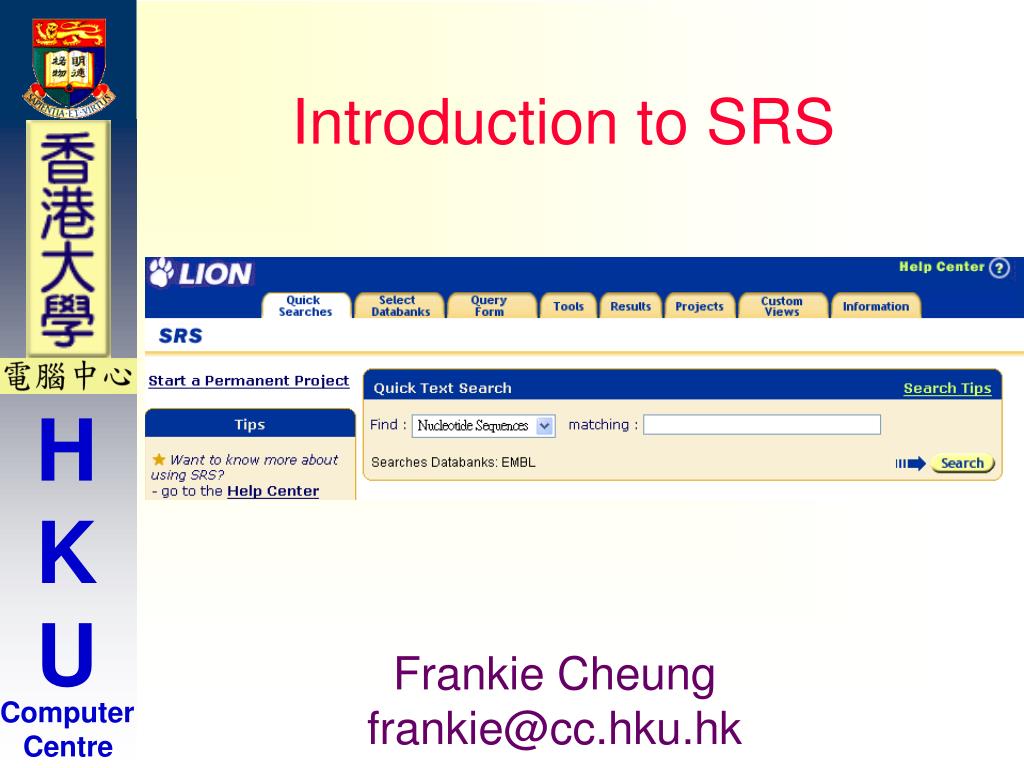
Introduction to SRS. Frankie Cheung frankie@cc.hku.hk. Introduction to SRS. Part 0. Introduction. SRS Introduction. SRS system started out as a Sequence Retrieval System that employed sophisticated parsing and indexing of database text files. SRS Introduction.
An Image/Link below is provided (as is) to download presentation
Download Policy: Content on the Website is provided to you AS IS for your information and personal use and may not be sold / licensed / shared on other websites without getting consent from its author.Content is provided to you AS IS for your information and personal use only.Download presentation by click this link.While downloading, if for some reason you are not able to download a presentation, the publisher may have deleted the file from their server.During download, if you can't get a presentation, the file might be deleted by the publisher.
SRS Introduction • SRS system started out as aSequence Retrieval Systemthat employed sophisticatedparsing and indexingof database text files
SRS Introduction • Fast access to diverse life science data - genetic, protein, cellular, molecular, and clinical - for researchers and bioinformaticians • Integration of public and proprietary data through one interface • Unique ability to perform cross-database queries • Rapid string search of large volumes of data • Seemless integration of data and analysis tools
Starting SRS • At the “Tools” page, find and click on the Sequence Retrieval System (SRS) system
SRS Main Page • After successful login, the default page is a “Temporary Project”.
SRS Main Page • For a “Temporary Project”, the result of your work would not be stored after you close SRS.
SRS Main Page • Starting a “Permanent Project”, the result of your work would be stored even after you close SRS.
Permanent Project • After selecting a “Permanent Project”, your account name and project name will be displayed. (Since no password protection under current policy, this approach is not recommended.)
Permanent Project • All the query and job result will be saved in your “Permanent Project”.
Permanent Project Option • “Save to desktop” : download & save your project info to your local machine
Simple query: Exercise • 2. CDS entries of EMBL:AY278488 • orf1ab • orf1a polyprotein • spike glycoprotein S • putative uncharacterized protein 1 • putative uncharacterized protein 2 • envelope protein E • membrane protein M • putative uncharacterized protein 3 • putative uncharacterized protein 4 • nucleocapsid protein N • putative uncharacterized protein 5
Simple query: Exercise Question 3. • What is the protein ID for EMBL:AY278741 (SARS coronavirus Urbani) spike glycoprotein?
Simple query: Exercise Question 4. • Following the link of the spike glycoprotein of EMBL:AY278741, what is the biological function of this spike-protein?