Understanding GPIO Register Access via APB and AHB in Stellaris Microcontrollers
This document details the access methods for GPIO registers in Stellaris microcontrollers, as referenced on page 413. Each GPIO port can be accessed through two bus apertures: the legacy Advanced Peripheral Bus (APB) and the Advanced High-Performance Bus (AHB). The APB is backward-compatible with earlier Stellaris parts, while the AHB provides enhanced performance for back-to-back accesses. It is important to note the hexadecimal offsets related to the GPIO port's base addresses. Additionally, save your project files in your designated directory as the C: drive is wiped each restart.

Understanding GPIO Register Access via APB and AHB in Stellaris Microcontrollers
E N D
Presentation Transcript
8.4 Register Map Table 8-7 on page 413 lists the GPIO registers. Each GPIO port can be accessed through one of two bus apertures. The legacy aperture, the Advanced Peripheral Bus (APB), is backwards-compatible with previous Stellaris parts. The other aperture, the Advanced High-Performance Bus (AHB), offers the same register map but provides better back-to-back access performance than the APB bus. The offset listed is a hexadecimal increment to the register’s address, relative to that GPIO port’s base address
Port Base address(APB) Base address (AHB)
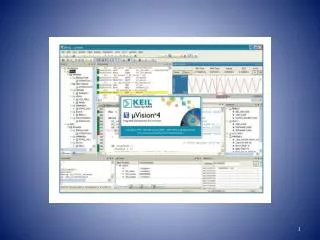
Attention: The Demo Projects are in c:\arm\StellarisWare for C1\codes\Experiment Moreover,you can find the datasheet in C:\arm\datasheet.rar. But your projects can not be saved in disk C:,which is cleared when the computer is restarted every time. So please save your files in e:\yourname. If you want to bring your work back to home, copy your files in your U disk. Please visit http://www.keil.com/uvision New File FTP:Keil uv4.pdr Keil free version: eelab.sjtu.edu.cn\es\Developing Kit.rar