Download
1 / 3
50 likes | 173 Views
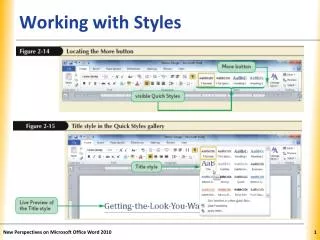
This chapter focuses on mastering styles and templates in Microsoft Word. You'll learn how to use predefined styles effectively, apply and create both word and paragraph styles, as well as modify and delete existing styles. Additionally, the chapter covers how to copy styles between documents and utilize the style gallery. You will also explore the creation and application of templates. This comprehensive guide targets enhancing document formatting and streamlining your workflow in Word.

E N D
Working with Styles and Templates Chapter 6 - Objectives
Objectives • Use predefined styles (MOUS W2002-2-4) • Apply styles (MOUS W2002-2-4) • Create word styles (MOUS W2002e-2-2) • Create paragraph styles (MOUS W2002-2-4) • Modify a style (MOUS W2002-2-4)
Objectives • Delete a style (MOUS W2002-2-4) • Copy a style to another document • Use the style galley • Use a template (MOUS W2002-4-2) • Create a template (MOUS W2002-4-2)