Centra Quick Tips
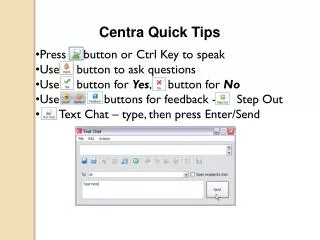
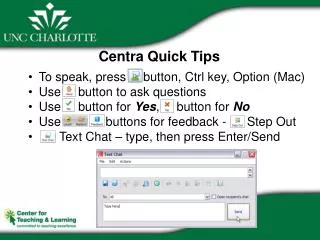
Discover essential tips for navigating Centra with ease. Use the Ctrl key (or Option on Mac) to initiate conversations and efficiently ask questions. Respond instantly with designated buttons for yes or no, enabling swift feedback. For text chat, type your message and hit Enter/Send. If you need to step away briefly, use the designated button. For sound issues or any other problems, reach out to the IT Service Desk at 704-687-5500 for assistance. Stay connected and resolve issues quickly!

Centra Quick Tips
E N D
Presentation Transcript
Centra Quick Tips • To speak, press button, Ctrl key, Option (Mac) • Use button to ask questions • Use button for Yes, button for No • Use buttons for feedback - Step Out • Text Chat – type, then press Enter/Send
Housekeeping • If you need to leave temporarily, use button • Sound problems? • Other issues, callIT Service Desk704-687-5500