SlideServe Logo
  • Browse
    • Recent Presentations
    • Recent Articles
    • Content Topics
    • Updated Contents
    • Featured Contents

    • PowerPoint Templates
    • Presentation
    • Article
    • Survey
    • Quiz
    • Lead-form
    • E-Book
  • Pro
  • Upload

Rollover buttons - PowerPoint PPT Presentation
Swap Images: 9 Steps

Swap Images: 9 Steps

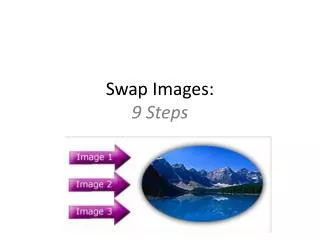
Swap Images: 9 Steps. Step 1. Create 4 Layers: Structure (common elements of page) Links (buttons 1, 2 & 3 ) Rollovers (buttons with rollover effect- color changed) Swap (the first swap image- in EXACTLY the correct position). Step 2:. Open State Menu

★ ★ ★ ★ ★

286 views • 11 slides


Rollover Buttons

Rollover Buttons

Rollover Buttons. UNIT 2. Purpose. When you move your mouse onto a button the image on it rolls over to something else. Link to example website. How to get started with rollovers. First of all you need two images ready to use in your Unit 2 Images folder.

★ ★ ★ ★ ★

524 views • 6 slides


View Rollover buttons PowerPoint (PPT) presentations online in SlideServe. SlideServe has a very huge collection of Rollover buttons PowerPoint presentations. You can view or download Rollover buttons presentations for your school assignment or business presentation. Browse for the presentations on every topic that you want.

  • English
  • Français
  • About
  • Privacy
  • DMCA
  • Blog
  • Contact
© 2026 SlideServe. All rights reserved