Download
1 / 1
10 likes | 126 Views
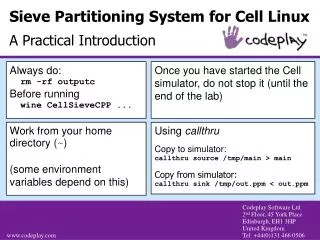
This guide provides a practical introduction to the Sieve Partitioning System for Cell on Linux. It emphasizes the importance of running the command `rm -rf output` before initiating the Cell simulator to ensure a clean environment. Users are advised to run simulations from their home directory as certain environment variables depend on this location. The document also includes instructions on how to copy data to and from the simulator using the provided callthru commands for effective input and output management.

E N D
Sieve Partitioning System for Cell LinuxA Practical Introduction Always do: rm -rf outputc Before running wine CellSieveCPP ... Once you have started the Cell simulator, do not stop it (until the end of the lab) Work from your home directory (~) (some environment variables depend on this) Using callthru Copy to simulator: callthru source /tmp/main > main Copy from simulator: callthru sink /tmp/out.ppm < out.ppm