MySQL Native Client Connection Example with Connection String
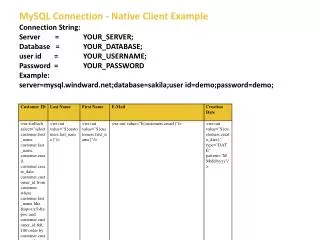
This guide provides a clear example of how to establish a connection to a MySQL database using the Native Client. The connection string format is outlined and includes placeholders for server, database, user ID, and password. For instance, to connect to the Sakila database on `mysql.windward.net`, use the connection string: `server=mysql.windward.net;database=sakila;userid=demo;password=demo;`. Replace the placeholders with your actual server information to successfully connect to your MySQL database.

MySQL Native Client Connection Example with Connection String
E N D
Presentation Transcript
MySQL Connection - Native Client Example • Connection String: • Server = YOUR_SERVER; • Database = YOUR_DATABASE; • user id = YOUR_USERNAME; • Password = YOUR_PASSWORD • Example: • server=mysql.windward.net;database=sakila;userid=demo;password=demo;