Download
1 / 7
70 likes | 177 Views
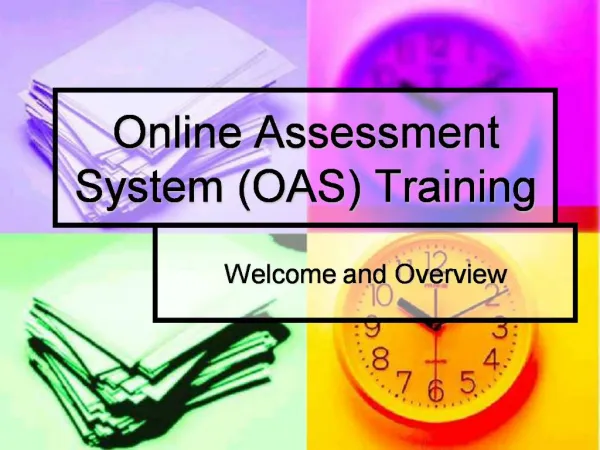
Welcome to the Online Assessment System (OAS) training session. This overview will guide you through our agenda, including key perspectives from both students and teachers regarding assessments, opportunities for scheduling, and how to construct effective assessments. We will also cover housekeeping rules, such as training times and break schedules, to ensure a smooth experience. The session requires a compatible system (Windows 98 or later or MacOS 9.0.4 or later). Please prepare to engage in discussions and clarify any questions you may have.

E N D
1. Online Assessment System (OAS) Training Welcome and Overview
2. Agenda Overview
The Student Perspective
Assessments
Begin Teacher Perspective
Lunch
The Teacher Perspective
Constructing assessments
Scheduling
Opportunities
3. Housekeeping Please turn off/mute cell phones
Training time 9:00 – 3:00
Lunch hour 11:30 – 12:30
Vending
Restrooms
Questions?
4. Promises We will leave for lunch @ 11:30
Training will resume @ 12:30
We will dismiss @ 3:00
Timekeeper – give me a warning 5 minutes before TIME
5. System Requirements Microsoft Windows 98 or later -or- MacOS 9.0.4 or later
Internet Explorer 5.0 through 6.0
Netscape 4.5 through 4.78
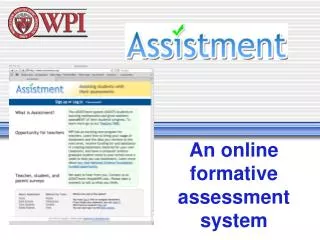
6. What is the Online Assessment System? An online testing system that enables students to
Take online tests
Get immediate feedback
An online testing system that enables teachers to
Give online tests
Get immediate feedback on student achievement
7. What the Online Assessment System is NOT A Review for Standardized Tests