Enhancing Productivity with Presentation Software: A Guide to Effective Document Creation
Discover how presentation software like PowerPoint can boost productivity in creating professional documents. This guide covers essential tips such as using input technologies, managing slides, and utilizing the Quick Access Toolbar to optimize your workflow. Learn to add slides, change layouts, and utilize placeholders effectively. Understand the importance of establishing a clear purpose for your presentation and how to discreetly add notes in the notes pane for your reference. With these insights, elevate your presentation skills and create compelling content that resonates with your audience.

Enhancing Productivity with Presentation Software: A Guide to Effective Document Creation
E N D
Presentation Transcript
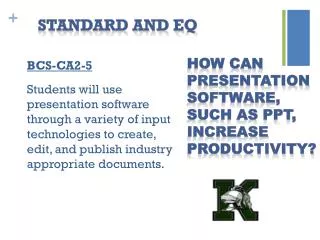
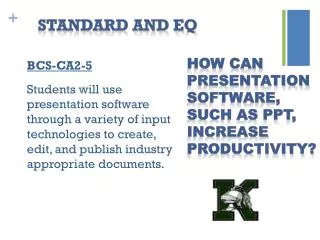
Standard and EQ BCS-CA2-5 Students will use presentation software through a variety of input technologies to create, edit, and publish industry appropriate documents. How can presentation software, such as PPT, increase productivity?
Computer Applications 2 Need to Know • Whenever you are creating a presentation, you can add an additional slide anywhere in the presentation. • To change a slides layout, you use the layout command on the Home Ribbon.
Computer Applications 2 Need to Know • Whenever you create a new slide, the boxes that appear are called placeholders. • The Quick Access Toolbar is located directly above the Home Ribbon Tab.
Computer Applications 2 Need to Know • When preparing a new presentation, you must first establish a need and decide what you are going to talk about. • When creating a PPT, you can use the notes pane to add information that is to be hidden from the audience.