Create Your Own Trivia Game: A Step-by-Step Guide
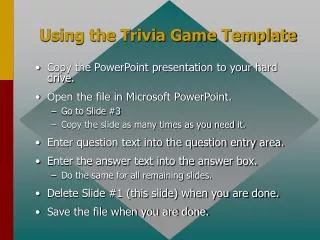
Discover how to create an engaging trivia game using our customizable PowerPoint template. Simply download the presentation to your hard drive and open it in Microsoft PowerPoint. Start by navigating to Slide #3 and duplicate it for as many questions as you need. Enter your trivia questions and answers in the designated areas, ensuring a fun and interactive experience. Once completed, delete the initial slide and save your personalized trivia game file. Get ready to challenge your friends and family with your custom questions!

Create Your Own Trivia Game: A Step-by-Step Guide
E N D
Presentation Transcript
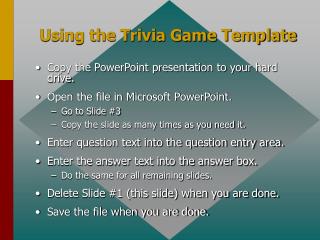
Using the Trivia Game Template • Copy the PowerPoint presentation to your hard drive. • Open the file in Microsoft PowerPoint. • Go to Slide #3 • Copy the slide as many times as you need it. • Enter question text into the question entry area. • Enter the answer text into the answer box. • Do the same for all remaining slides. • Delete Slide #1 (this slide) when you are done. • Save the file when you are done.
TRIVIA Click for Question
Enter Question Text Enter Answer Text Click for: Answer and next Question