Tailoring Your PowerPoint Presentation to Fit Company Branding
Learn how to customize your PowerPoint presentations to seamlessly integrate your company’s branding. By using the tailored design options available, you can ensure that all slides reflect a cohesive look, incorporating specific logos, color schemes, and styles that align with your corporate identity. Whether you're preparing slides for a formal presentation or creating templates for team use, we'll guide you through the process of adjusting your presentation to fit perfectly with your company’s design aesthetics.

Tailoring Your PowerPoint Presentation to Fit Company Branding
E N D
Presentation Transcript
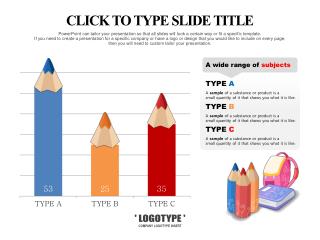
' LOGOTYPE ' COMPANY LOGOTYPE INSERT CLICK TO TYPE SLIDE TITLE PowerPoint can tailor your presentation so that all slides will look a certain way or fit a specific template. If you need to create a presentation for a specific company or have a logo or design that you would like to include on every page, then you will need to custom tailor your presentation.
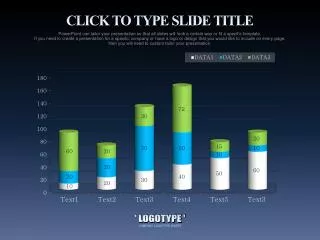
' LOGOTYPE ' COMPANY LOGOTYPE INSERT CLICK TO TYPE SLIDE TITLE PowerPoint can tailor your presentation so that all slides will look a certain way or fit a specific template. If you need to create a presentation for a specific company or have a logo or design that you would like to include on every page, then you will need to custom tailor your presentation.