Creating an Eye-Catching Electronic Poster in Microsoft PowerPoint
Learn how to design an engaging electronic poster using Microsoft PowerPoint. Discover how to add a creative background, insert images, and utilize picture tools to crop, resize, and format your visuals effectively. Master the layering options to bring elements forward or send them backward for perfect alignment. Don't forget to include notes at the bottom for additional context. Once complete, easily share your poster by emailing it to your teacher or printing a notes page. Explore examples for inspiration and guidance!

Creating an Eye-Catching Electronic Poster in Microsoft PowerPoint
E N D
Presentation Transcript
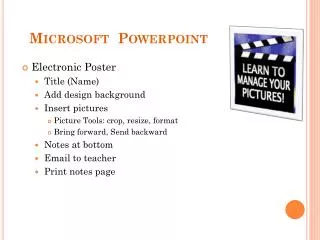
Microsoft Powerpoint • Electronic Poster • Title (Name) • Add design background • Insert pictures • Picture Tools: crop, resize, format • Bring forward, Send backward • Notes at bottom • Email to teacher • Print notes page