Enhancing Web Accessibility: Best Practices for Inclusive Design
Ensuring your website is accessible is crucial for catering to the diverse needs of users, including those with disabilities. With 1 in 5 individuals in North America experiencing a disability, it's vital to implement accessibility features such as colored links for the color-blind, large images for the elderly, and semantic HTML for visually impaired users. Use explicit labeling for images, contextual links, and optimize media to improve user experience. By following federal guidelines and best practices, you not only meet legal requirements but also foster inclusivity for all users.

Enhancing Web Accessibility: Best Practices for Inclusive Design
E N D
Presentation Transcript
Accessibility When websites are correctly designed, developed, and edited, all users have equal access to information and functionality.
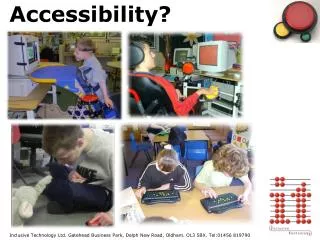
Accessibility 1 in 5 people in North America claim one or more disability.
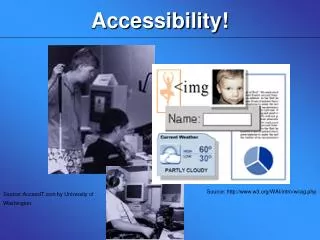
Accessibility • Colored links assist the color blind. • Large images assist the elderly. • Semantic HTML and textual-equivalents for blind users. • Plain language and illustrated images assist users with dyslexia and other learning difficulties. • Contextual alternative text assists people with slow internet connections.
Accessibility • A social responsibility. • Federal requirements serve as a model. • Provides equal access for all, regardless of disabilities, age, & internet connection. • Provides benefits to aging workplace population.
Review Your Site WAVE 3.0 - wave.webaim.org
Label Graphics & Images Give your image a concise title. Use Alt-Tag, and use it correctly.
Contextualize Your Links • Incorrect: “For the latest version of our software, click here.” • Correct: “For the latest version of our software, click here.”
Accessibility Tips & Tricks • Again, don’t change the font size. Use headings or shortcodes to emphasize text. • Explicitly state information. E.g., indicate required fields in a form by using a phrase such as “required.” • Explain pulldown or navigation menus. • Use the Boise State theme! The theme is your friend. • Don’t forget to evaluate your site on a phone.
Optimize Your Images • Output your images to destination size. • Crop excess white space. • Save photographs/gradients as JPEG (JPG) files (apply approx. 30% compression). • Save line art/solid color images as PNG files (8-bit if possible – 24-bit can vastly increase file size).
Take It Easy With the Slideshows • No more than 5 rotating slides in each slider gallery. • Ensure image sizes and descriptions are consistent.
Free Optimization Tools • TinyPNG Compress PNG files 50-80%. • Smush.it Optimize all web images.